Inside Eitr

Screenshots

The real desktop, from everyday tools to system recovery. Choose an image for a closer look.

Desktop & bar

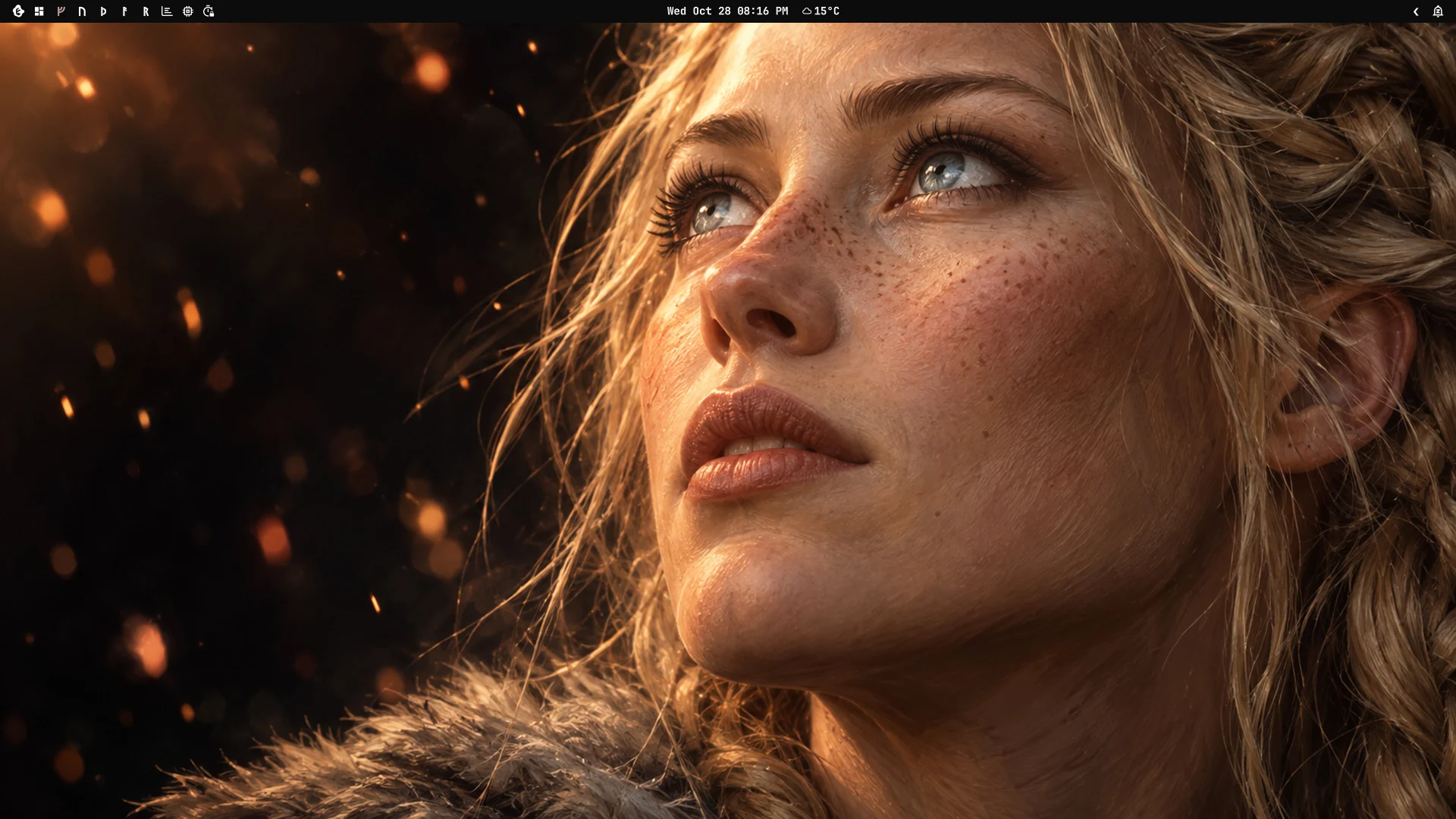
The empty Eitr desktop in the Afterglow theme with the bar along the top
The desktop, nothing open
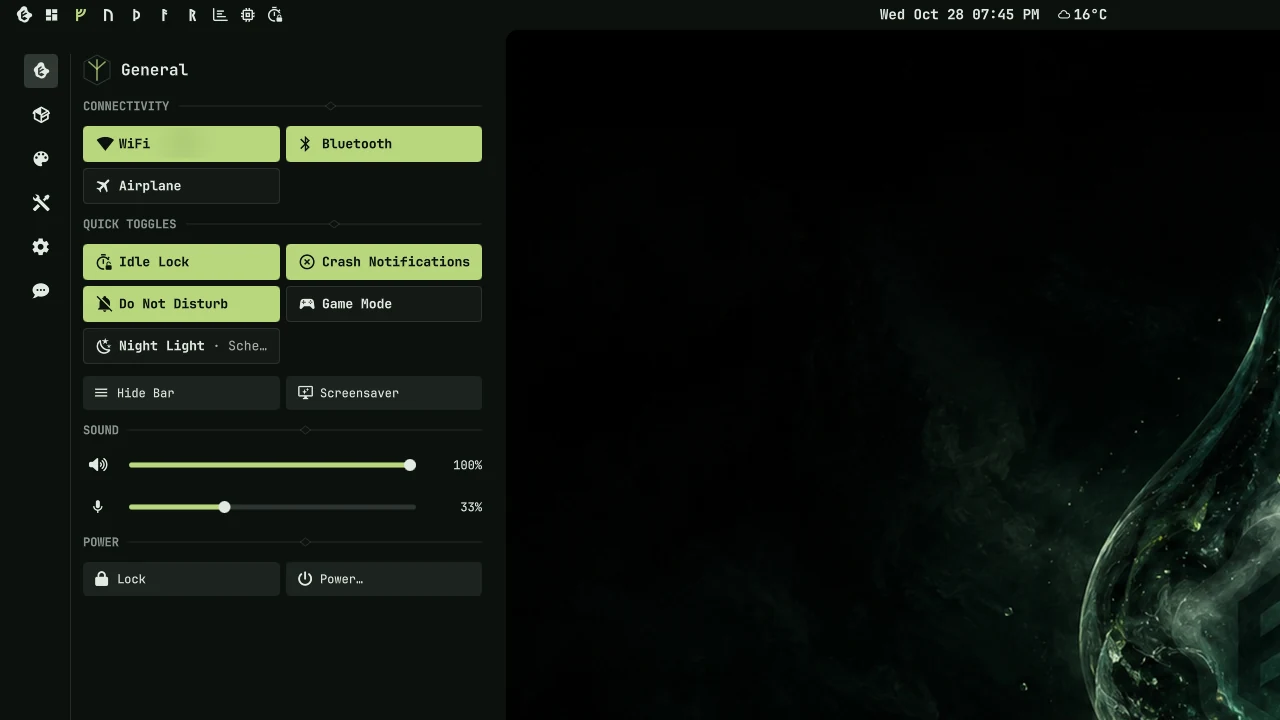
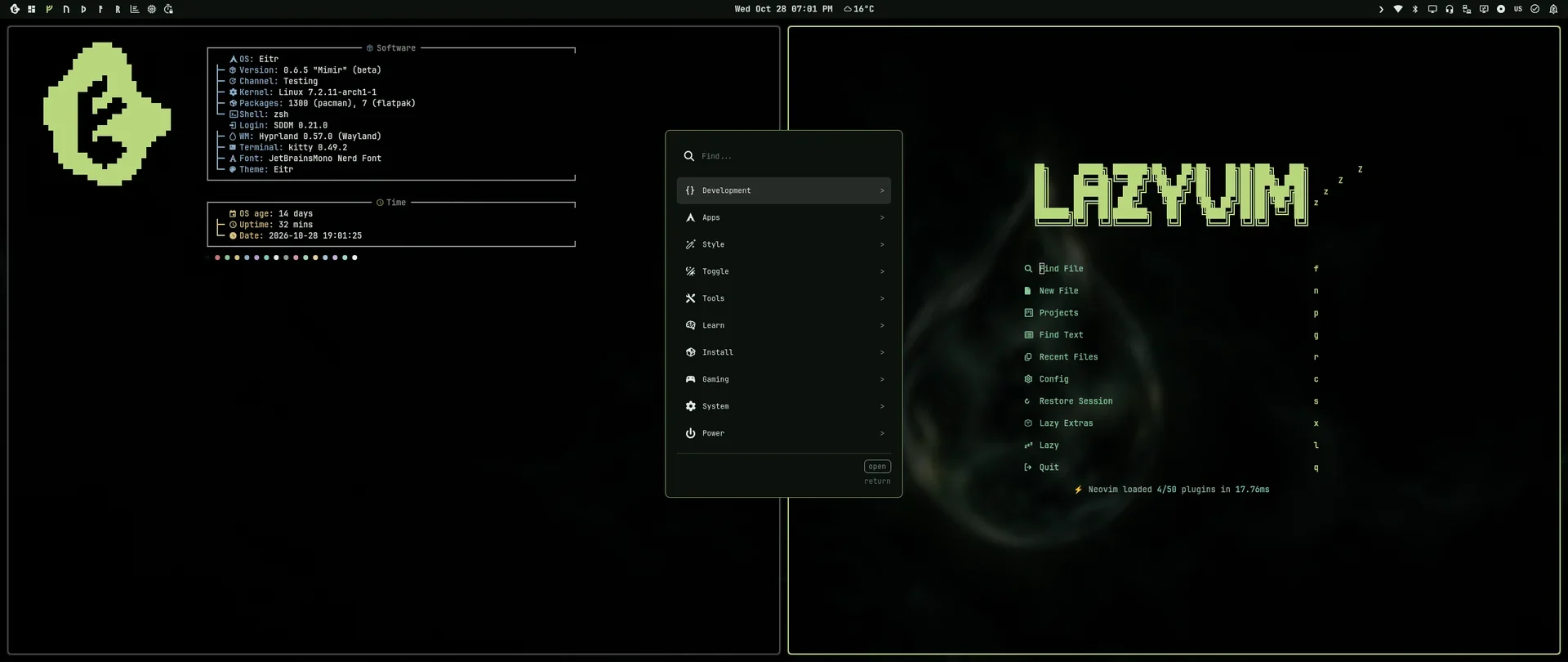
The control center beside the bar on the EITR desktop
The control center
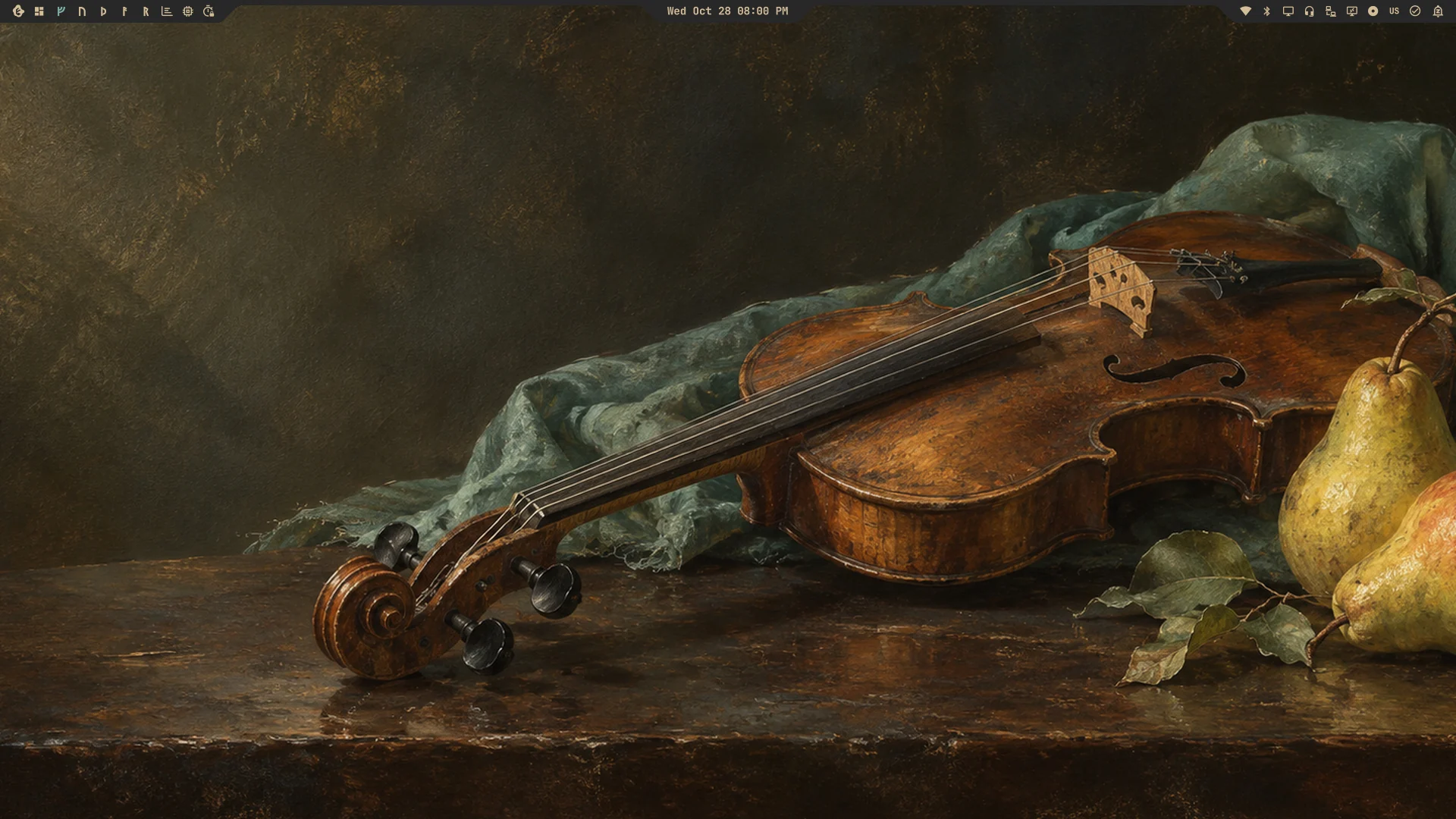
The Tabs bar: three sloped tabs on a thin desktop strip
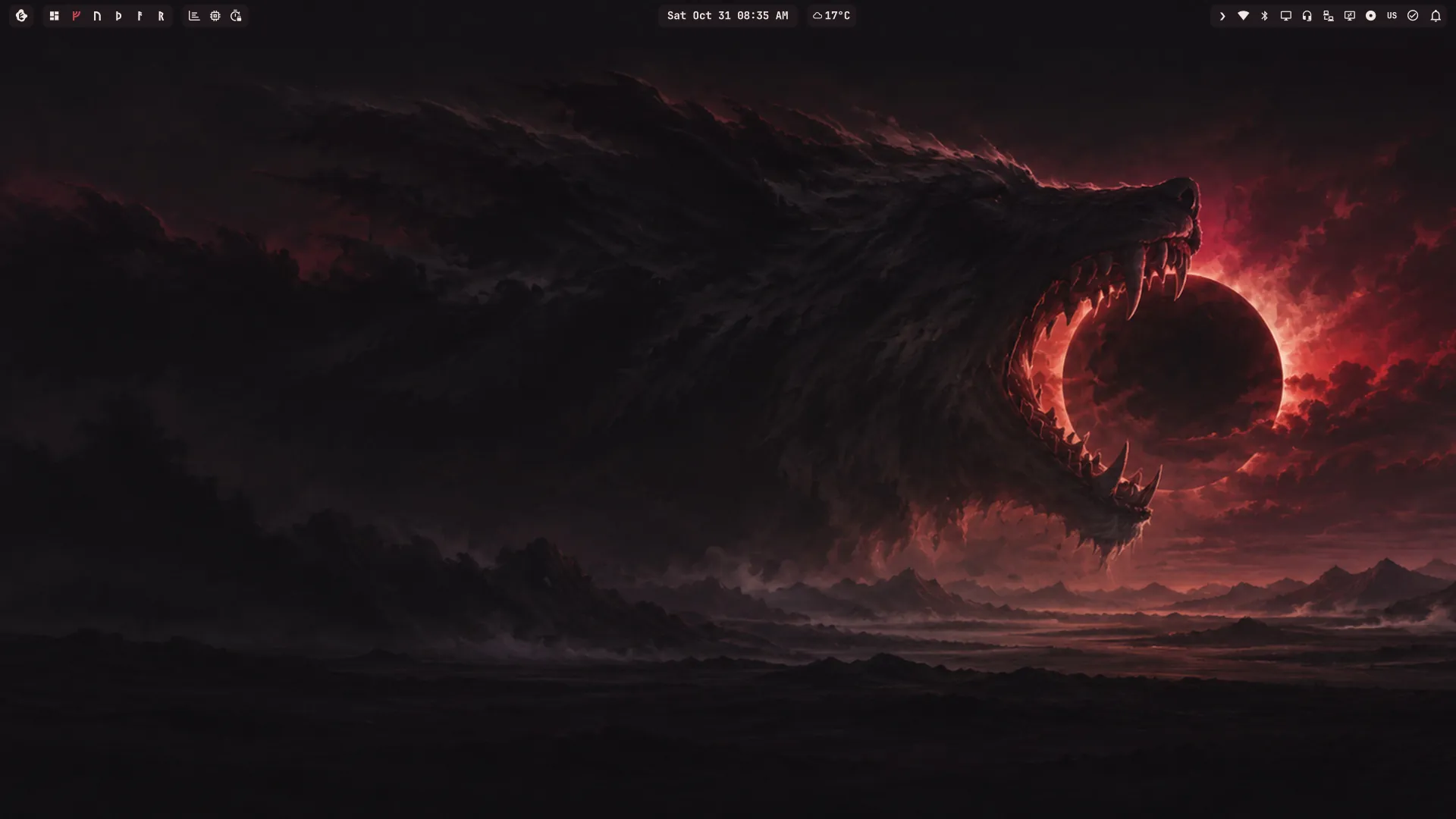
An empty Eitr desktop with the Islands bar floating off the screen edge
Islands: floating desktop pills
Focus mode with two panes side by side beneath a thin tab strip
Focus: two panes beneath the tab strip
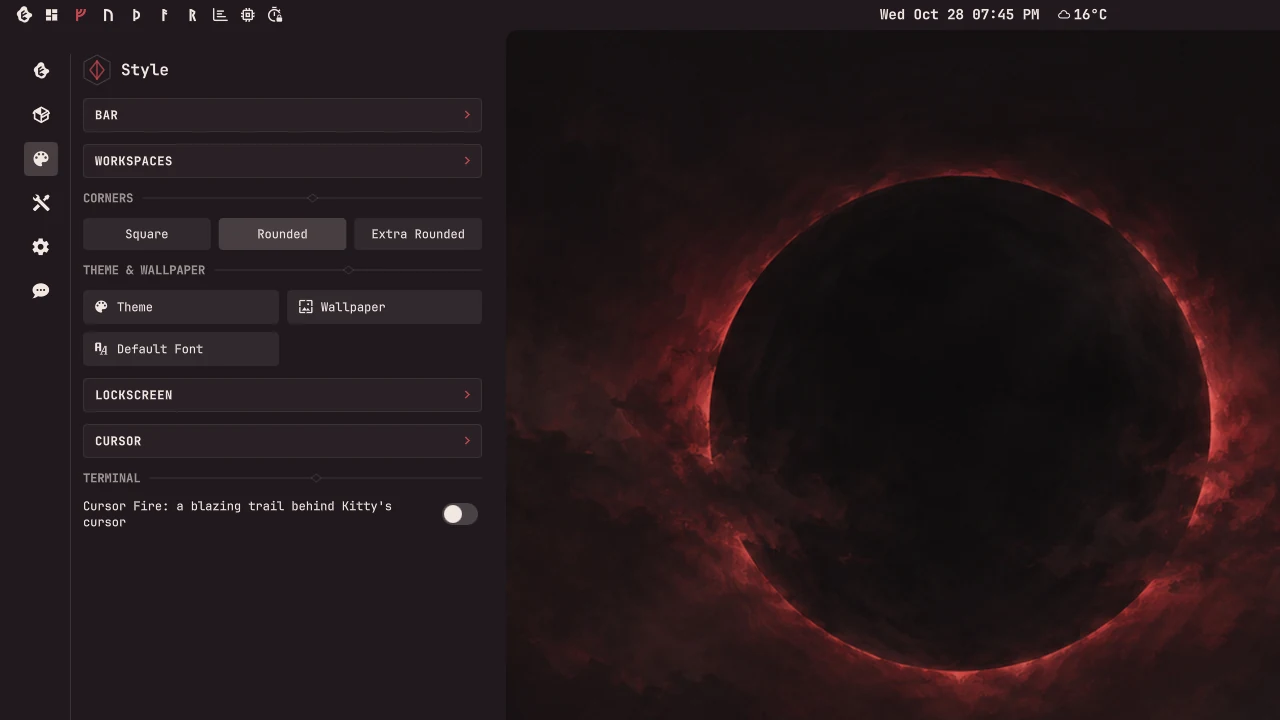
Style: bar, workspaces, corners, themes, cursor and fonts
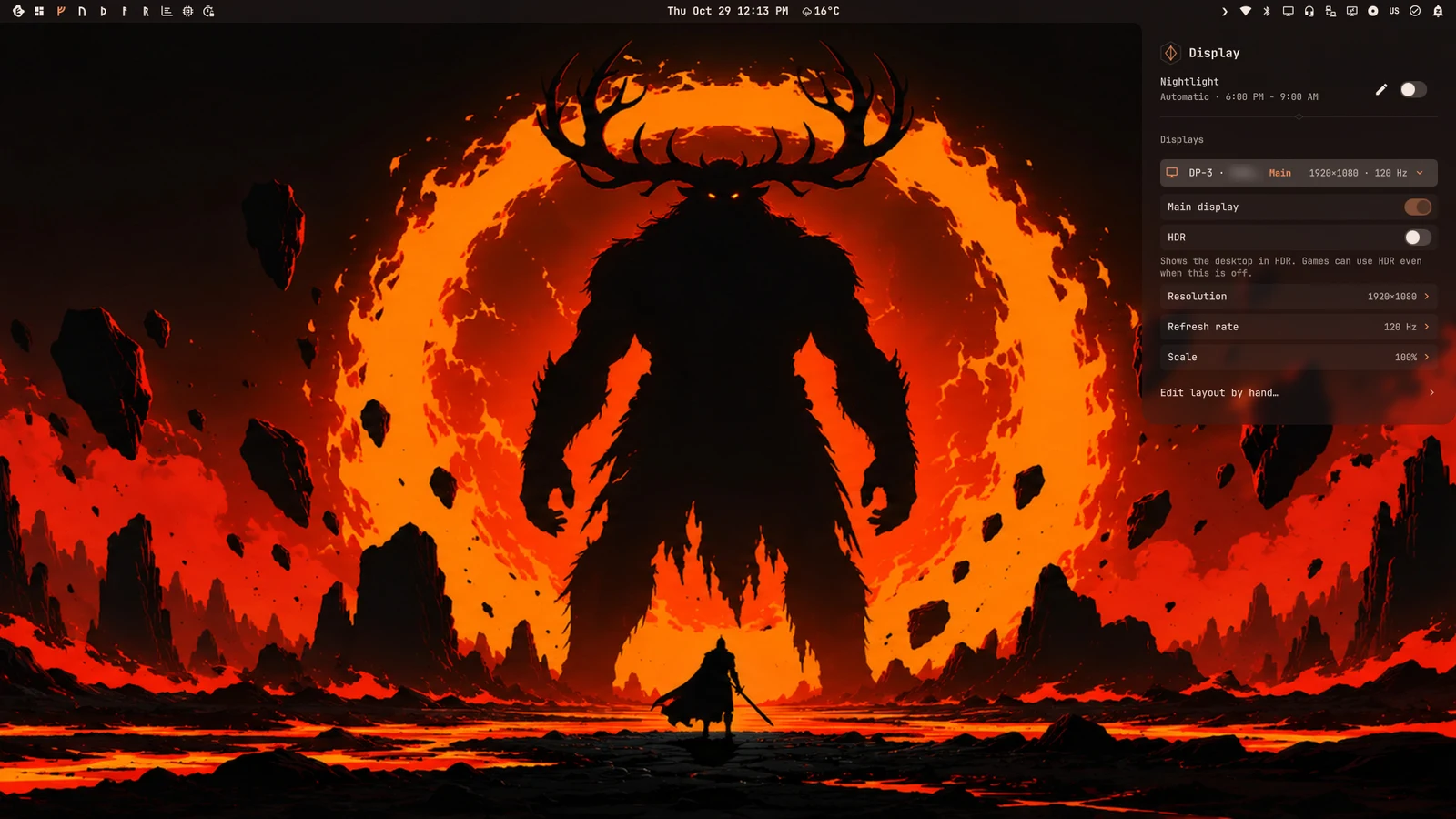
Display: nightlight and each monitor's HDR, resolution, refresh rate and scale
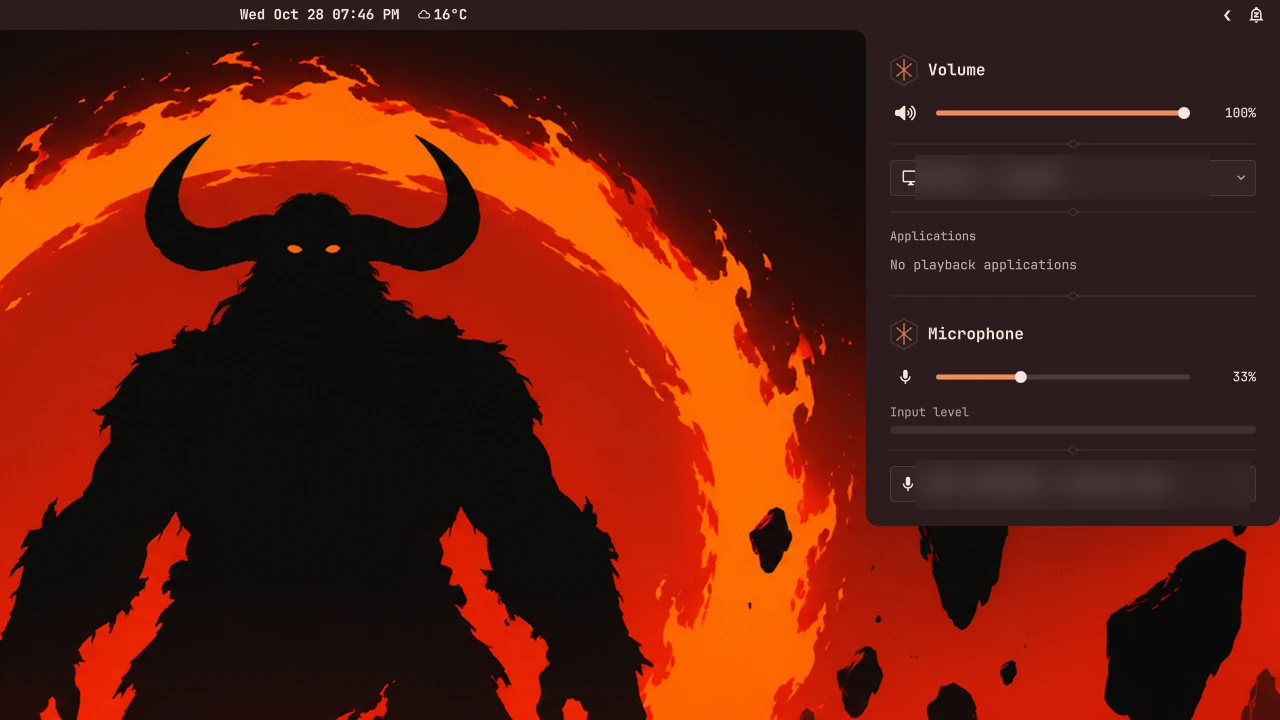
Volume, output devices and per-app volume
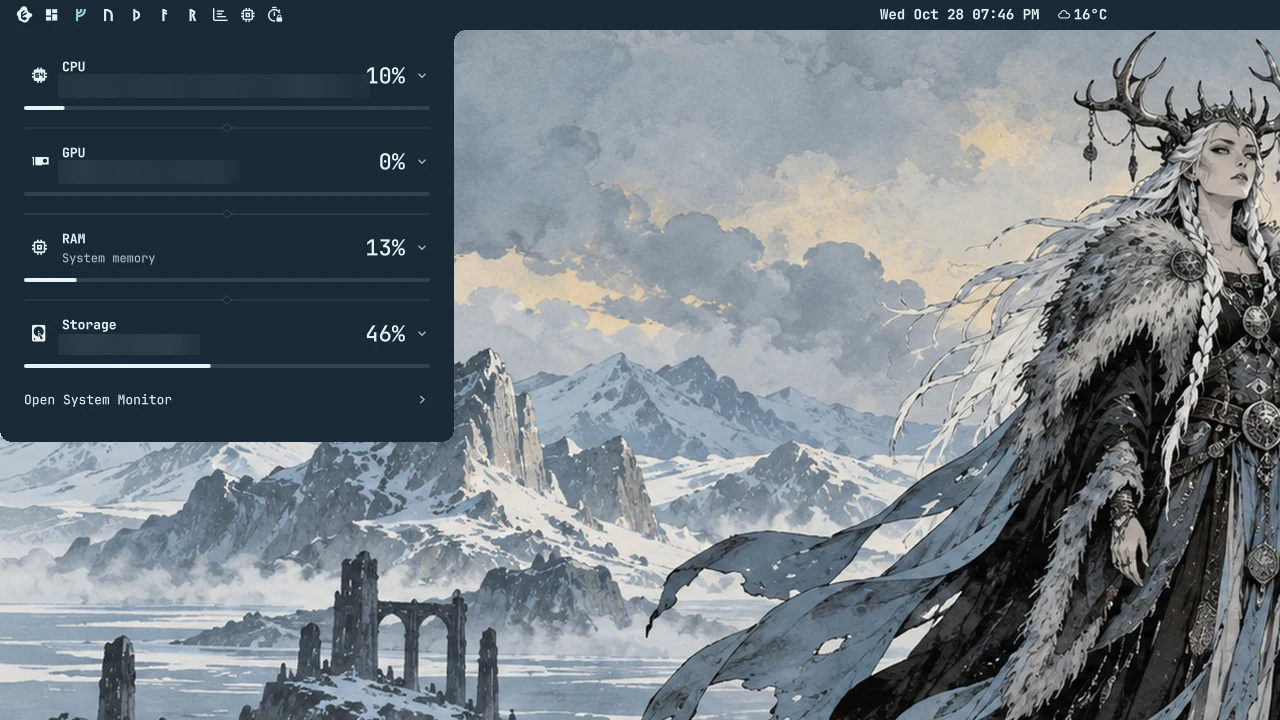
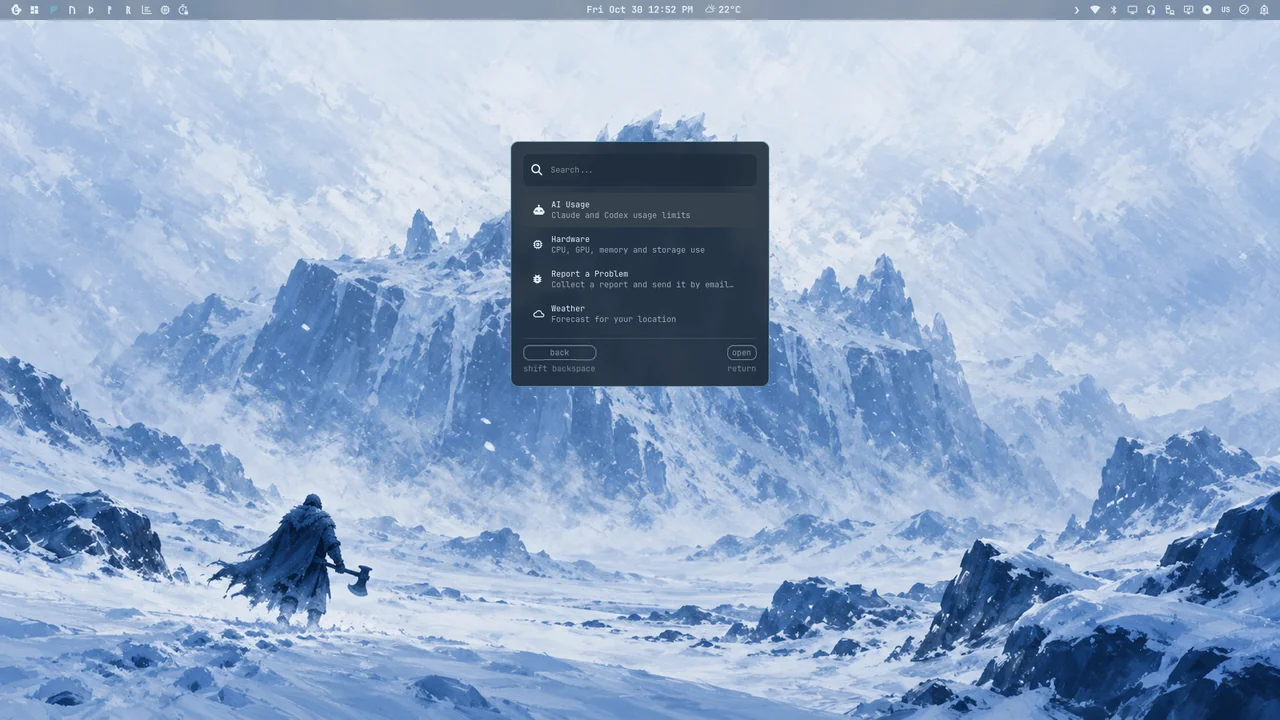
Hardware: CPU, GPU, memory and storage
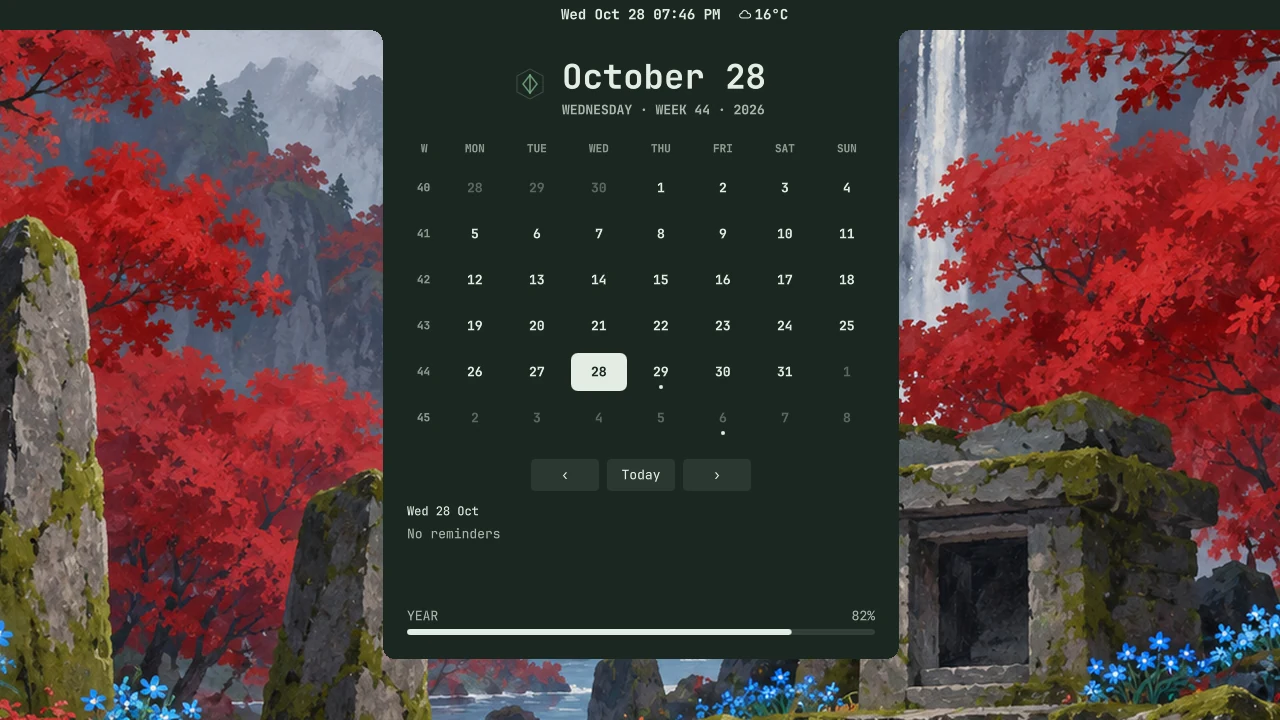
Calendar
Calendar
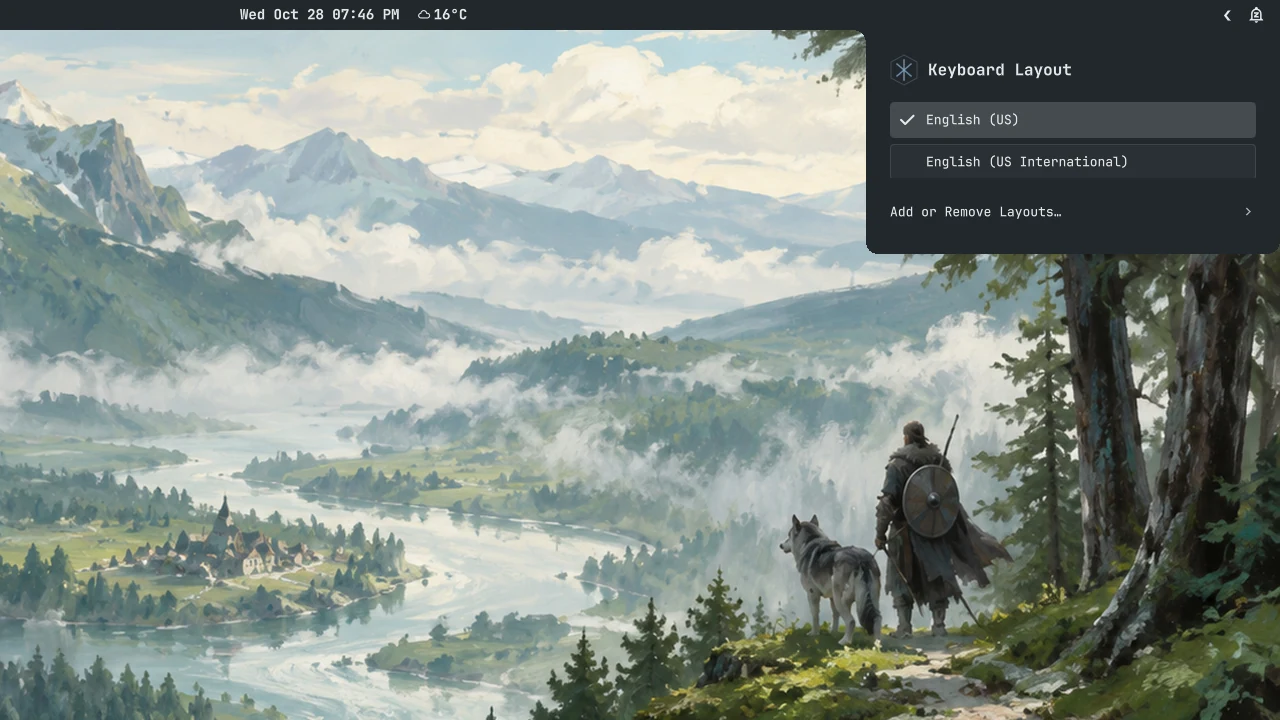
Keyboard layouts
Keyboard layouts
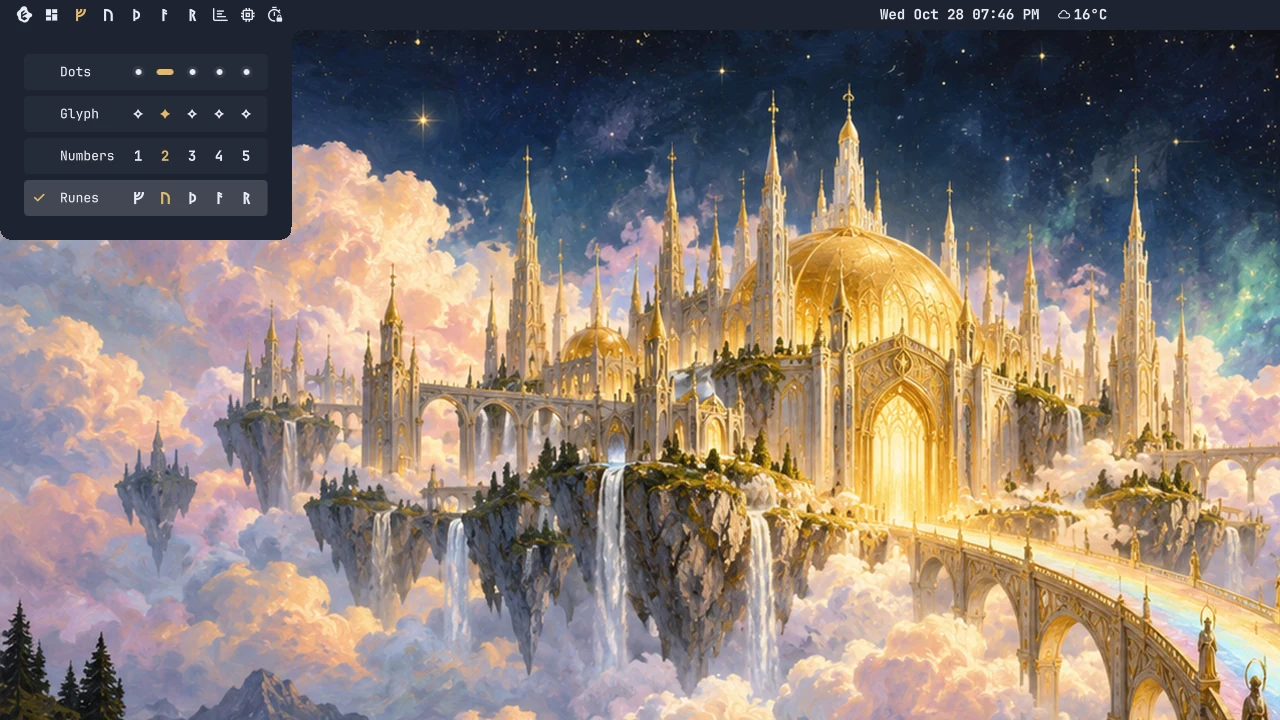
Workspace styles, runes included
The Eitr desktop
The Eitr desktop

Themes & style

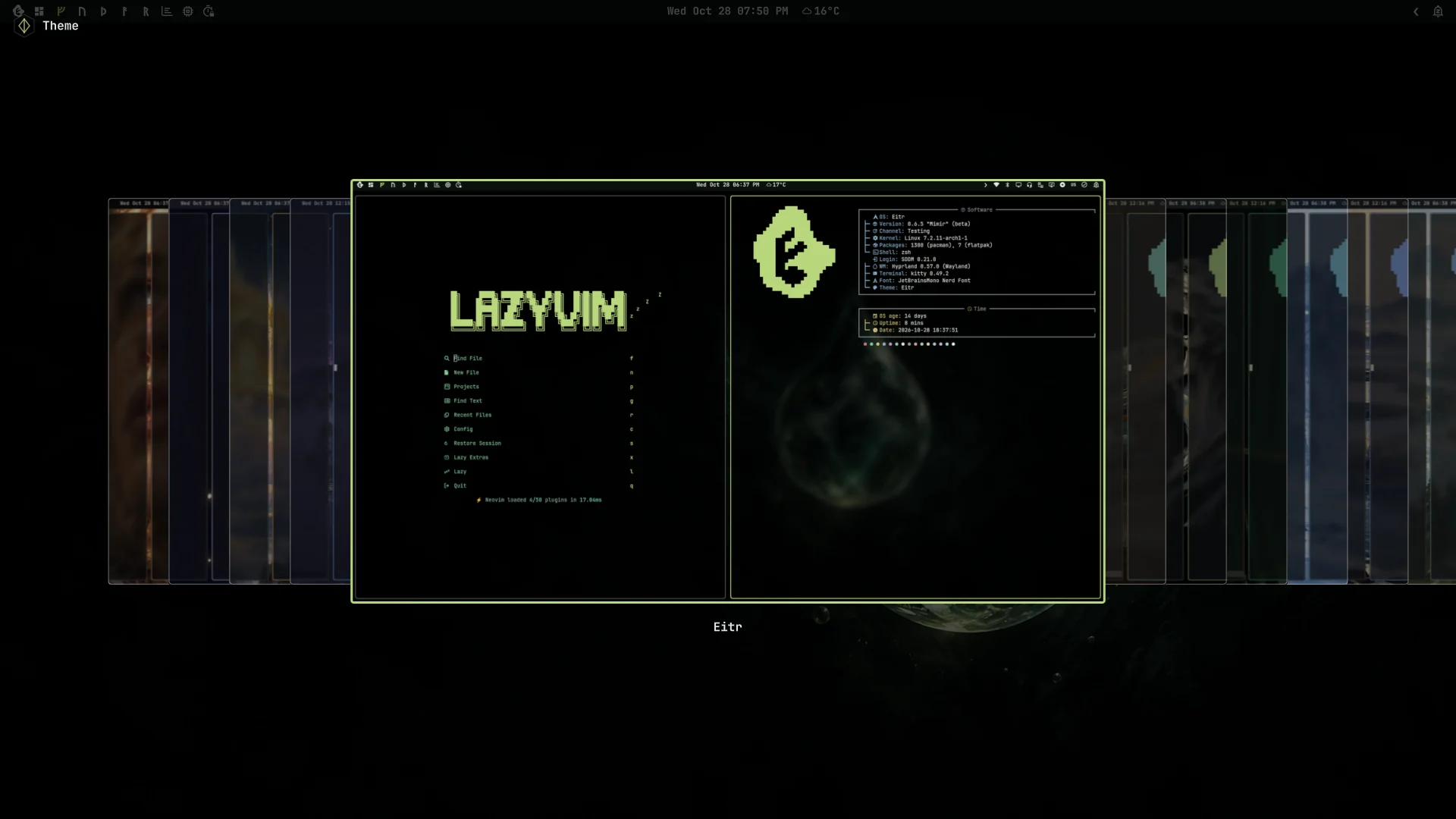
Choosing a theme
Choosing a theme
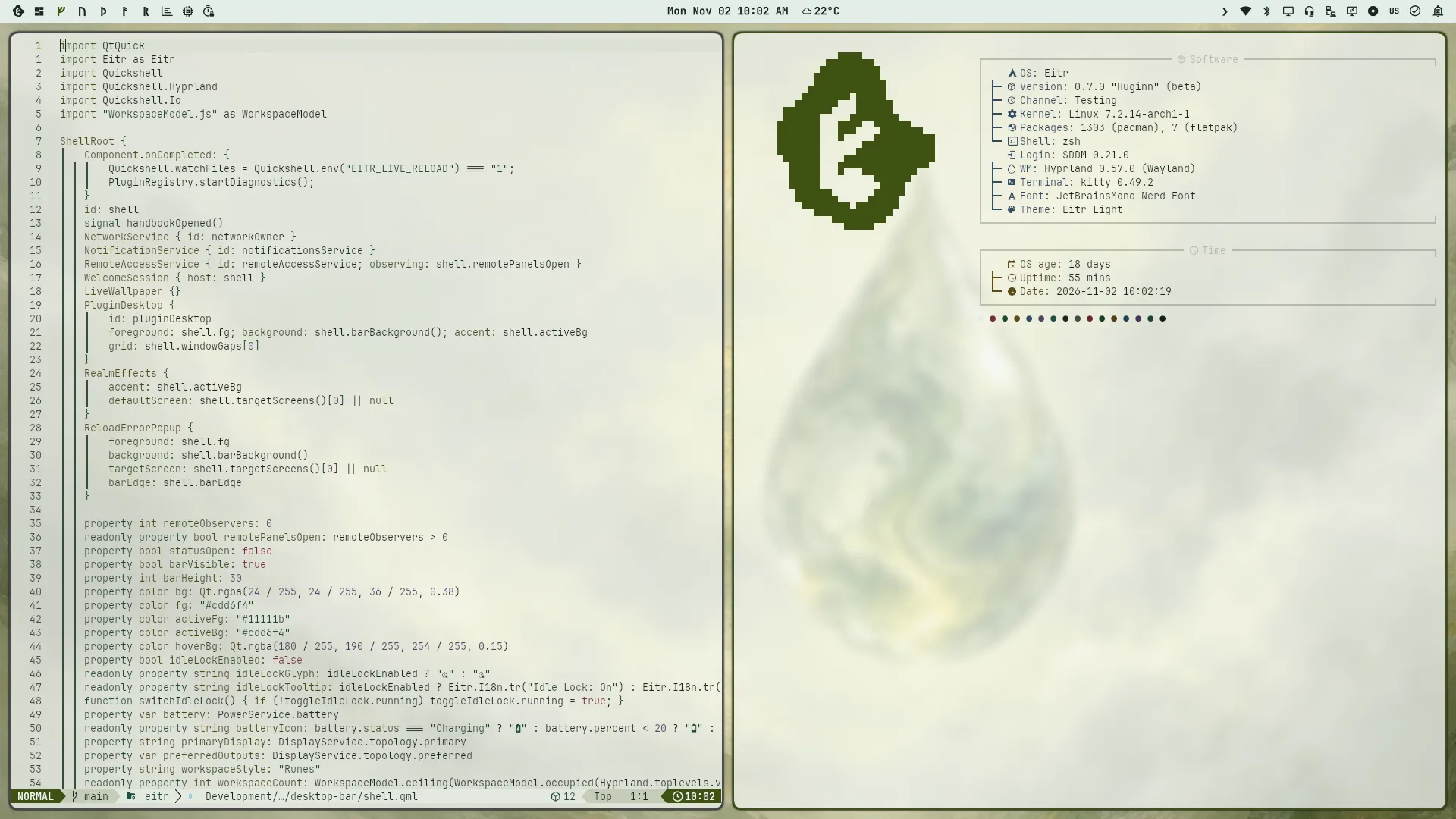
The Eitr Light desktop with Neovim and About
Eitr Light
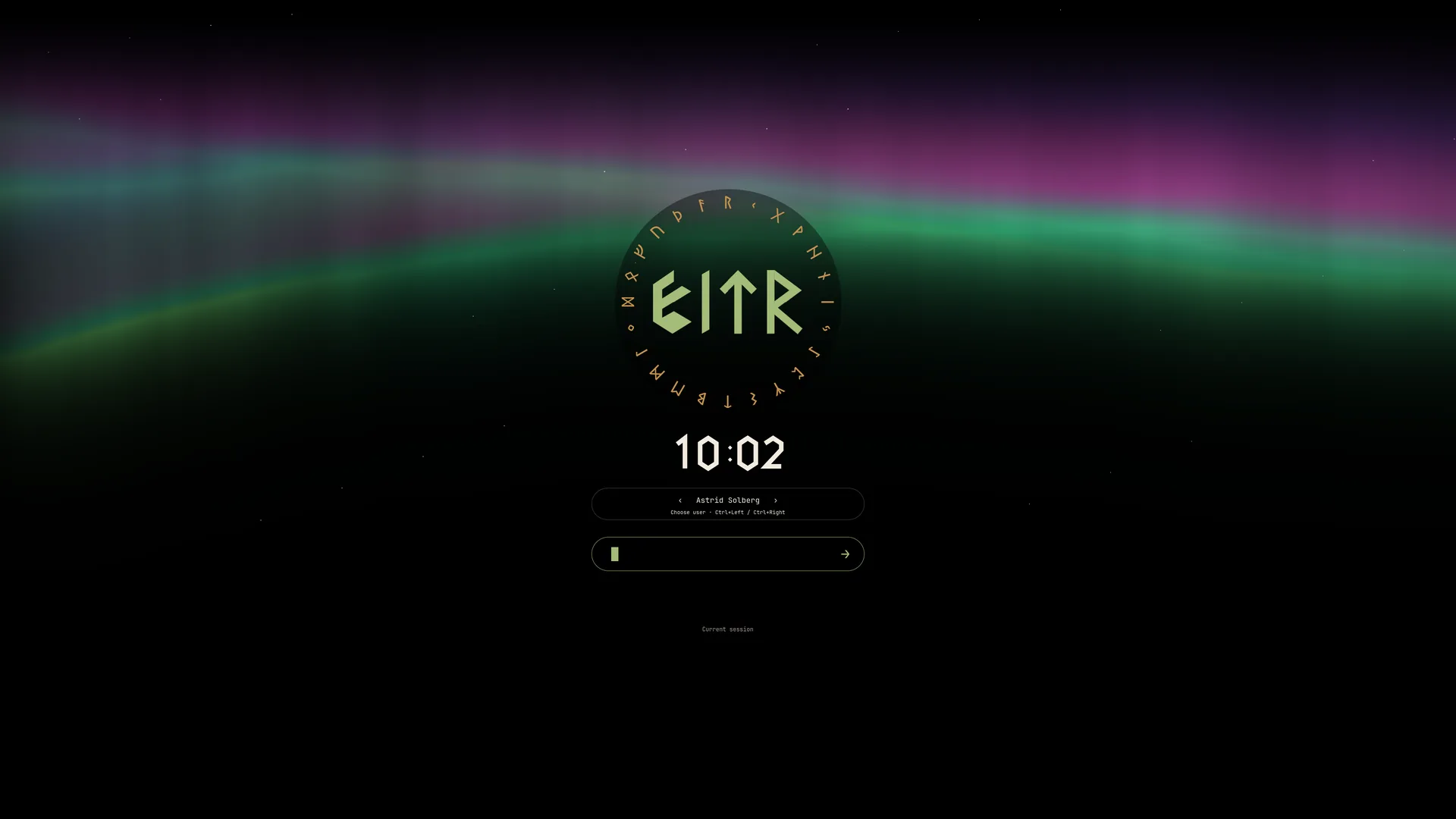
The Eitr lockscreen preview showing its account chooser and rune ring
The Eitr lockscreen with the account chooser
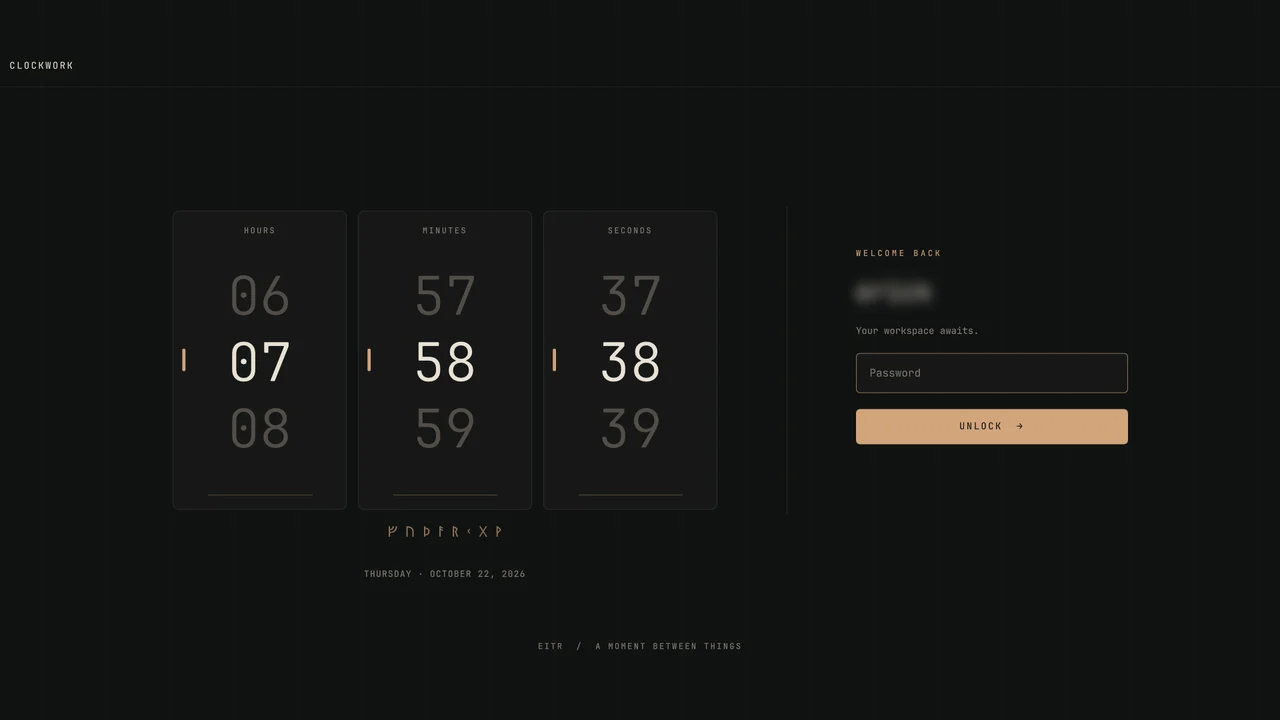
The Clockwork lockscreen

Everyday tools

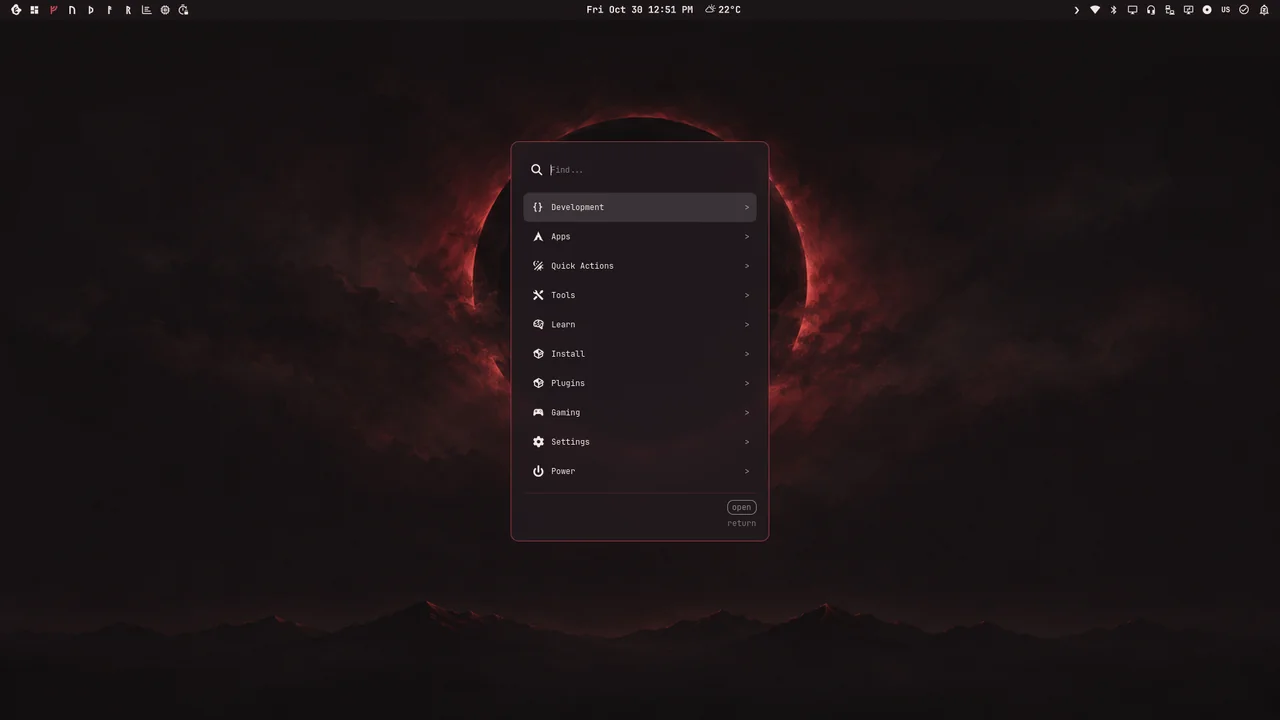
Walker, the main menu
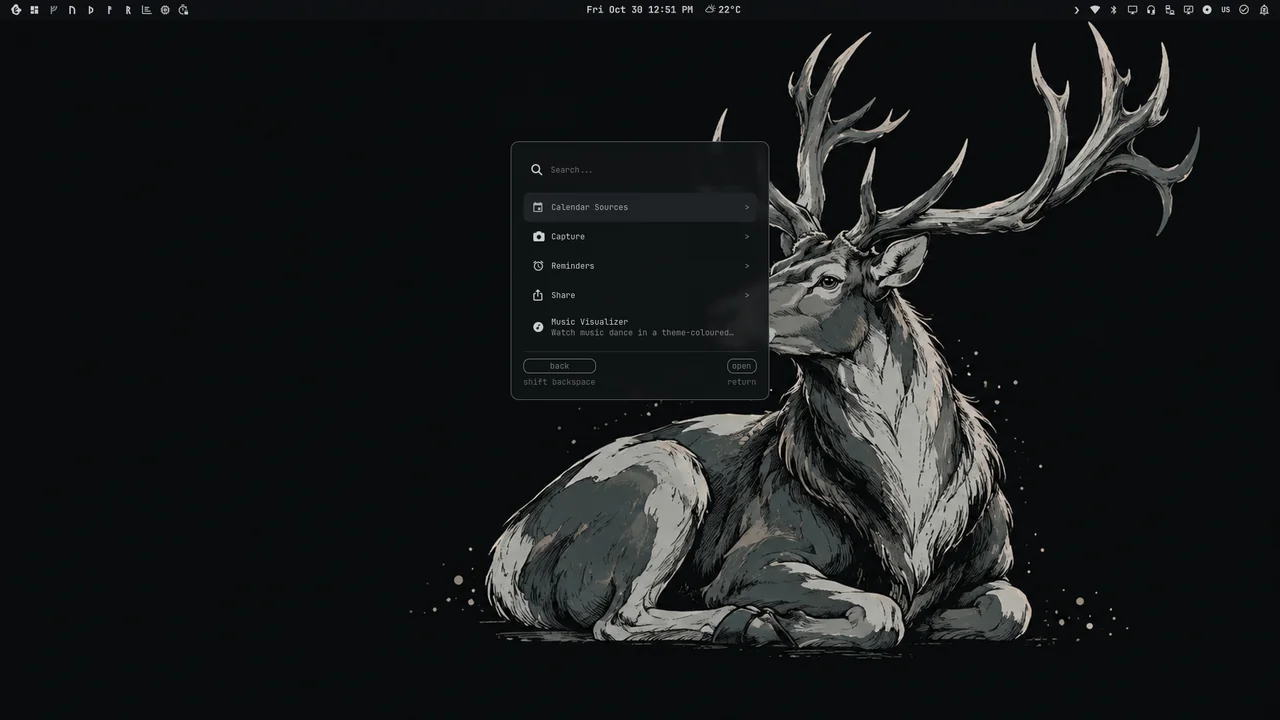
Tools: Capture, Calendar Sources, Reminders and Share
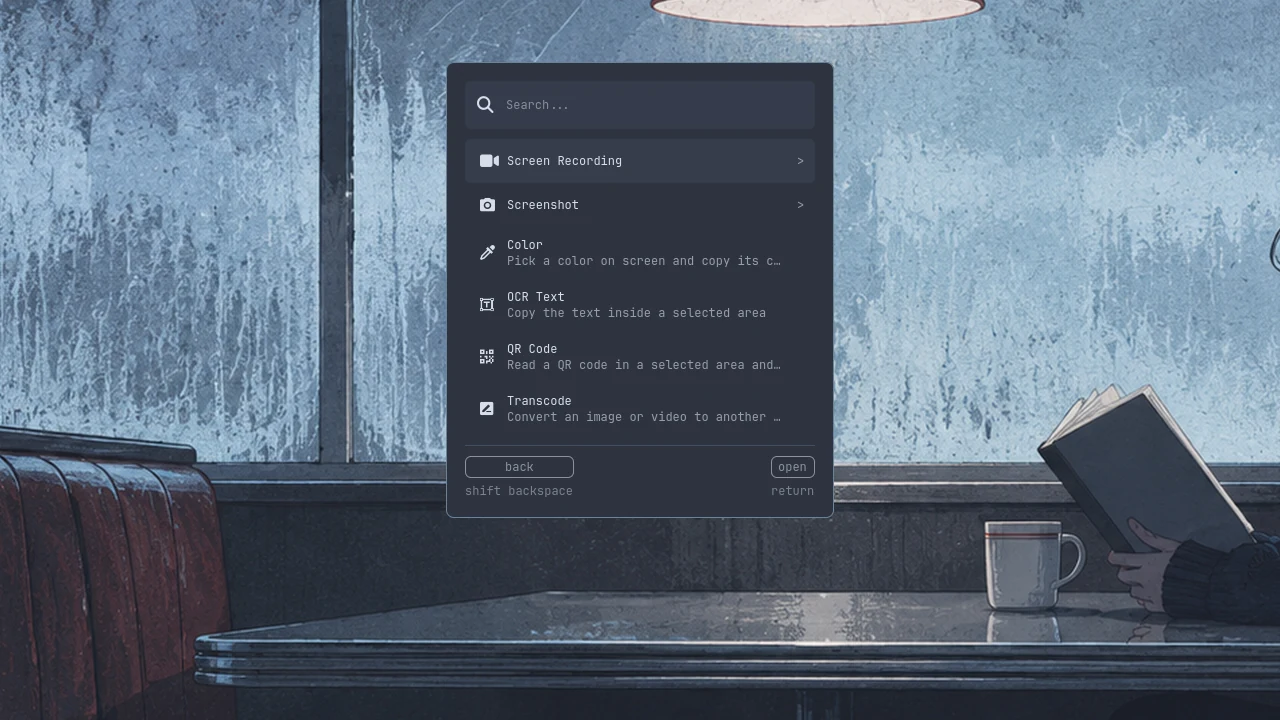
The Capture menu under Tools, each action with its description
Capture: screenshots, recording, text, QR codes and colors
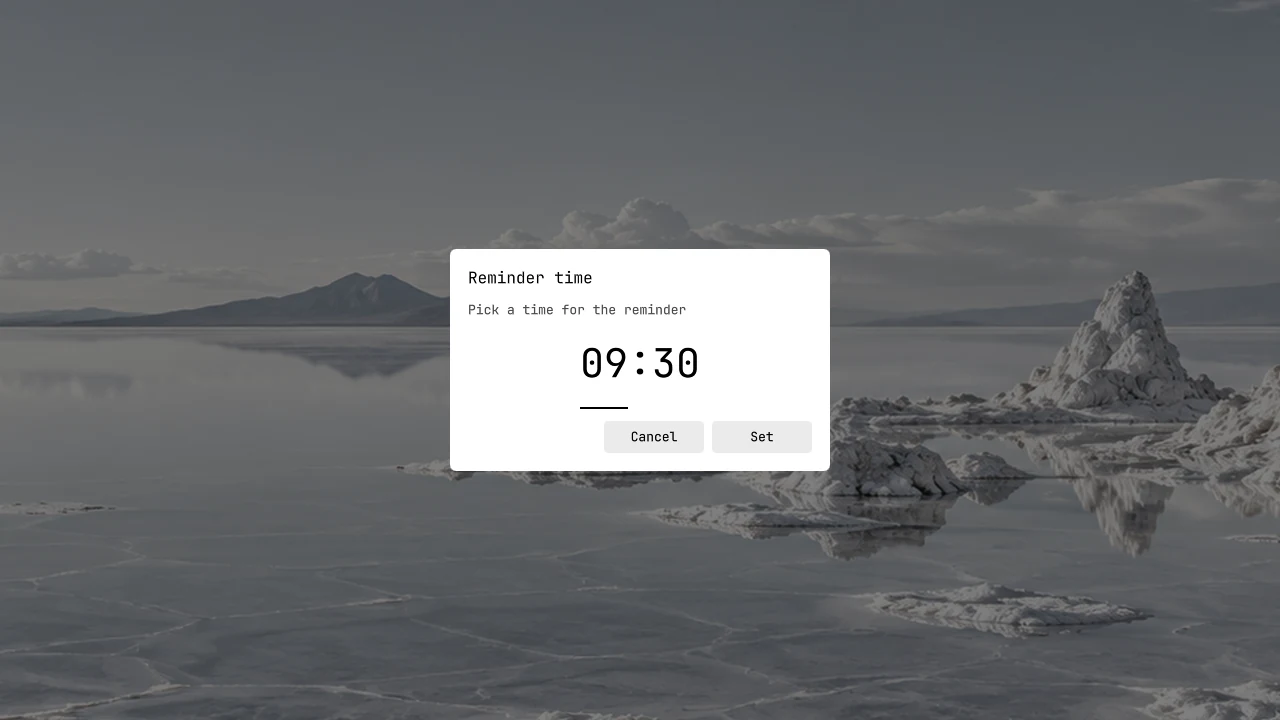
The native HH:MM clock for a reminder missing its time
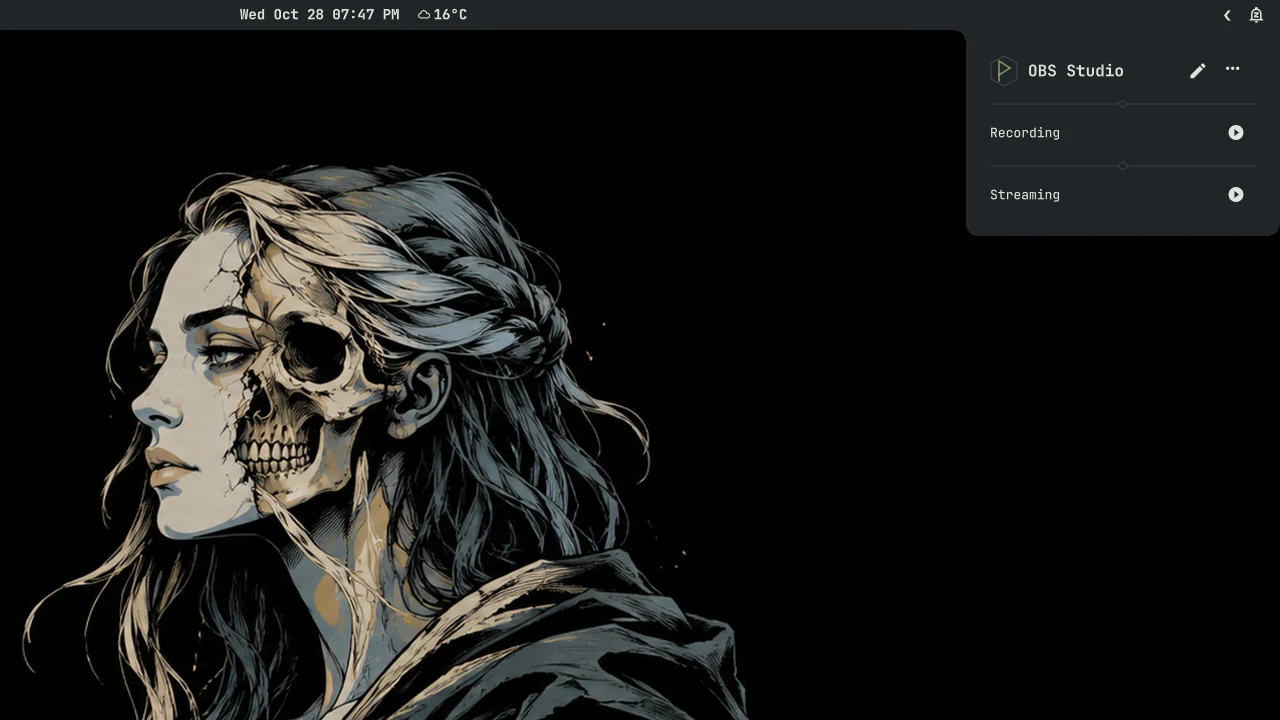
Recording and streaming with OBS
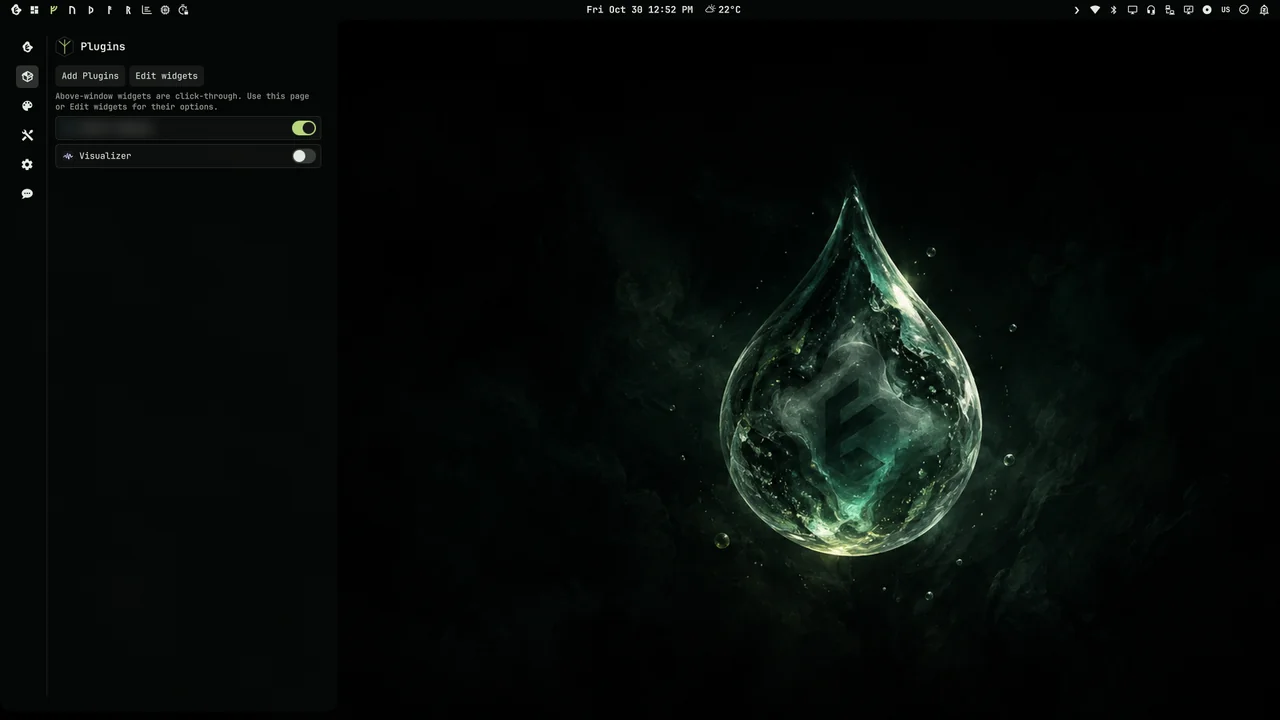
The Plugins page with controls to add, update and arrange widgets
Plugins: add, update and arrange widgets

Install & development

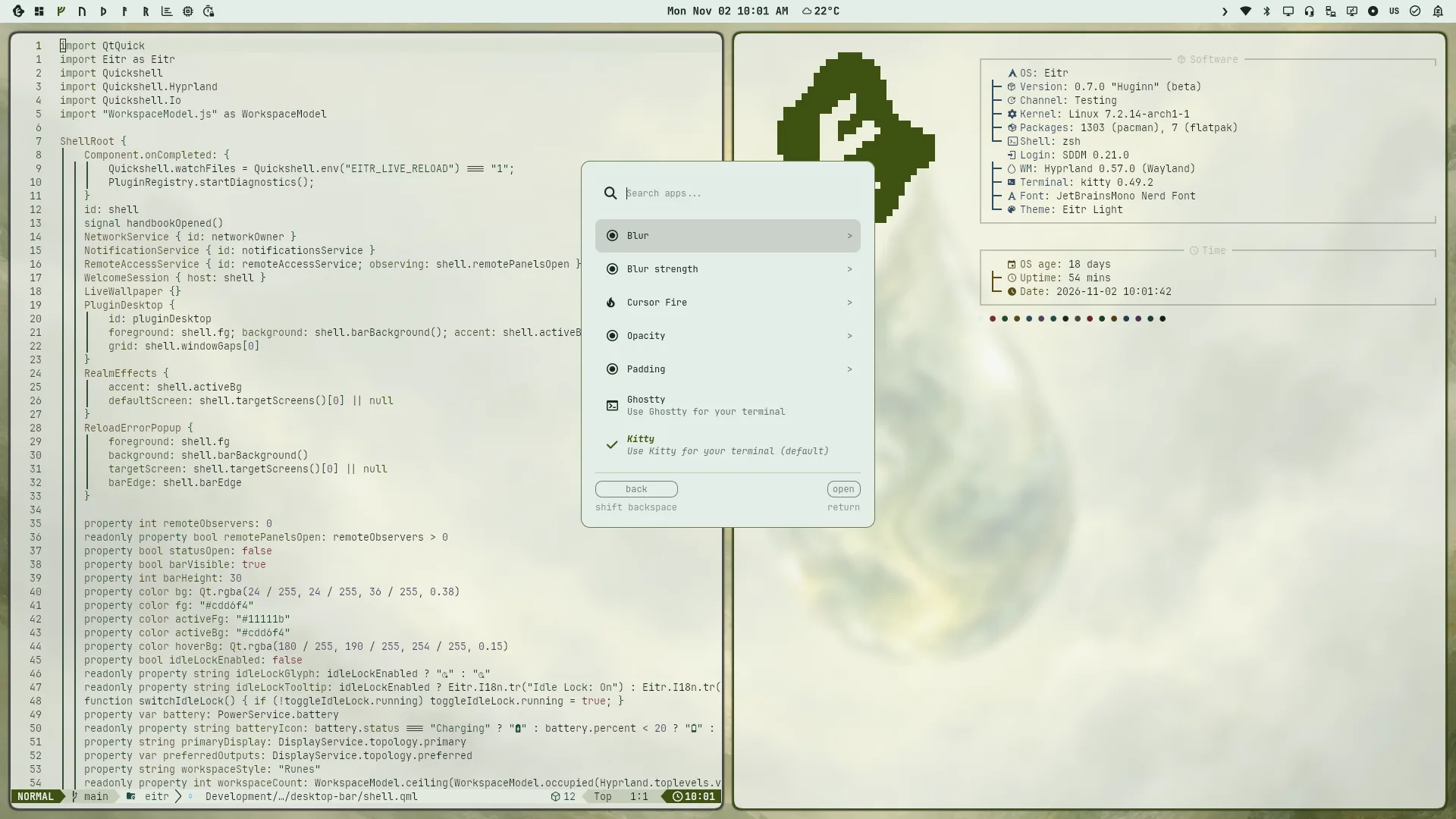
Walker’s Terminal menu with blur, blur strength, Cursor Fire, opacity, padding, Ghostty and Kitty
Terminal appearance settings
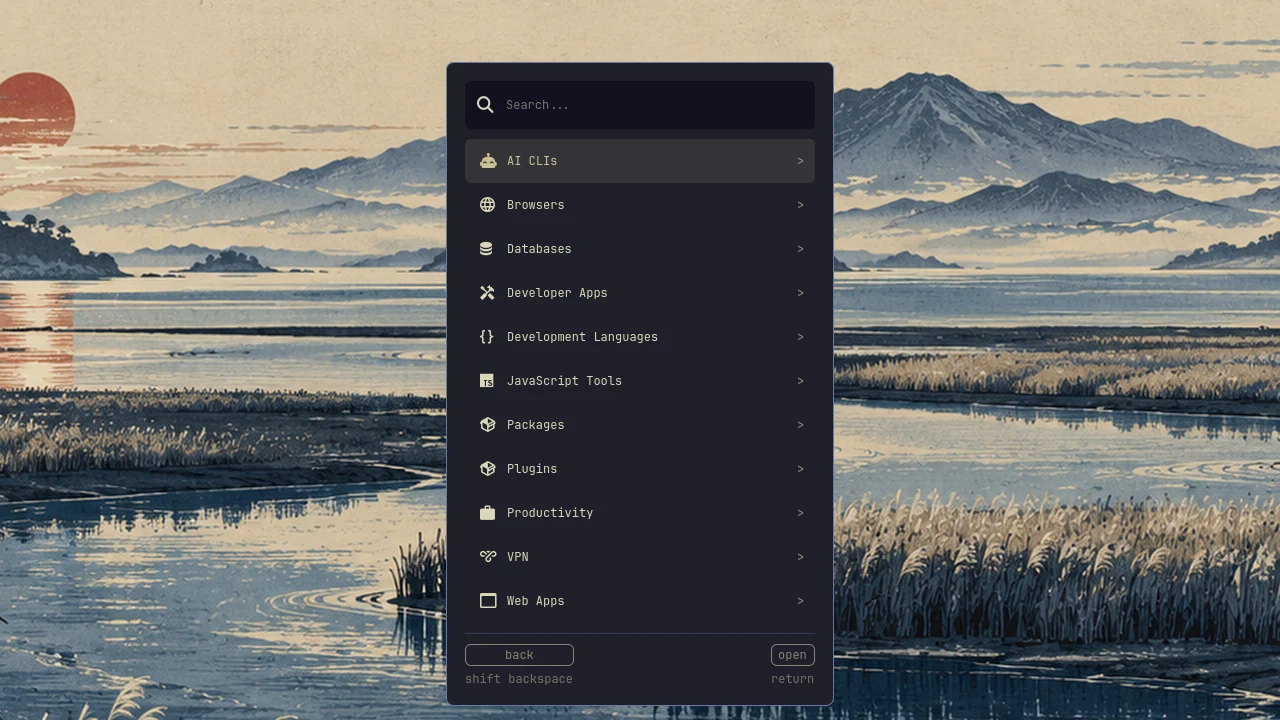
The Install menu with its categories
Install
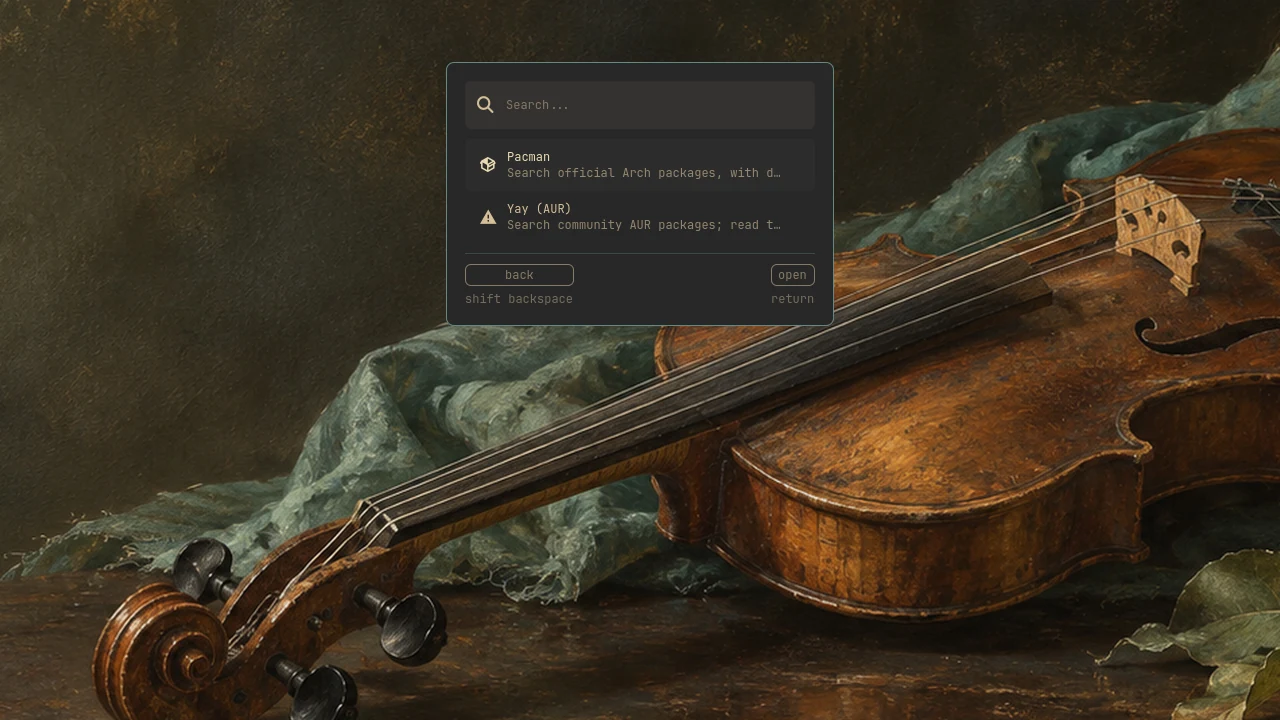
Packages: search, details and build file before installing
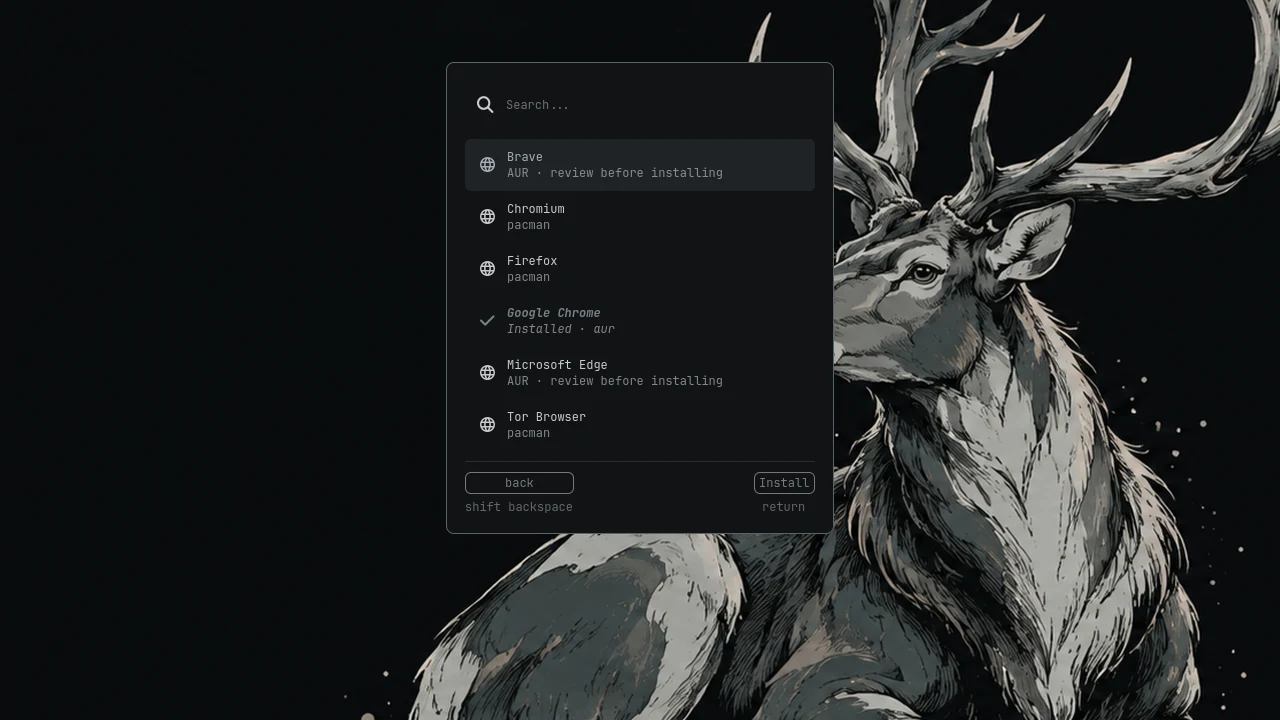
Browsers
Browsers
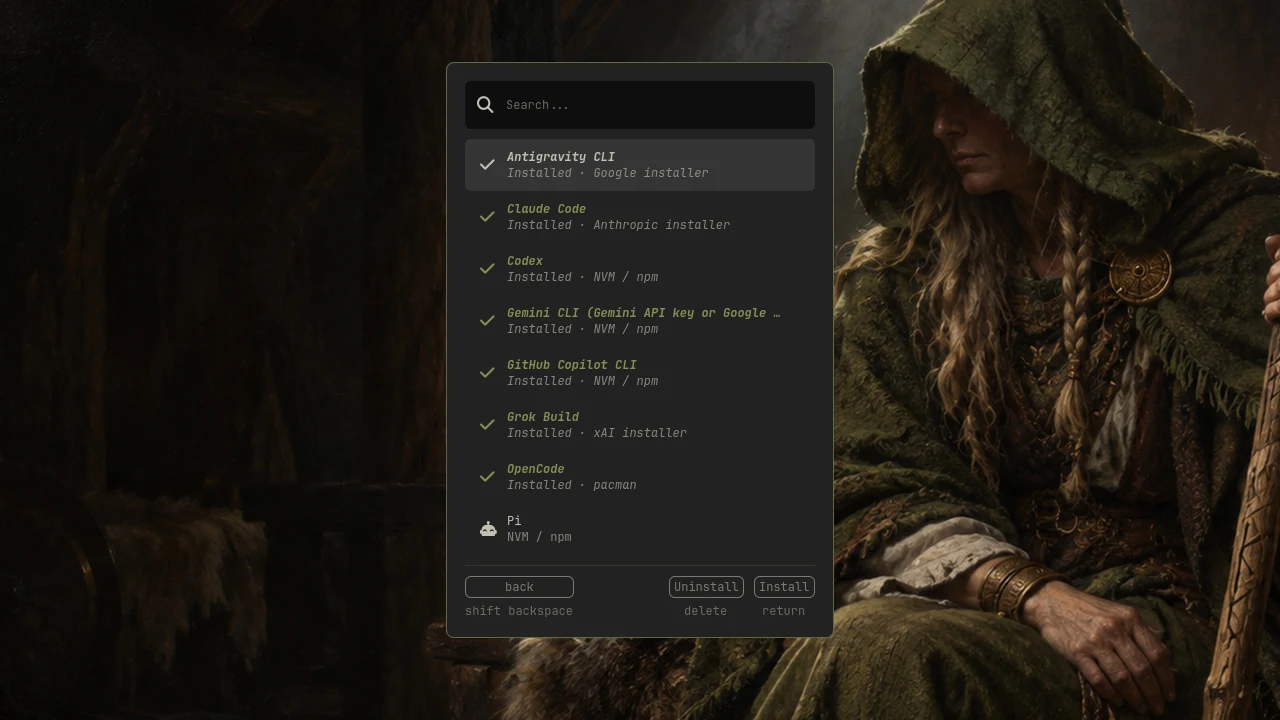
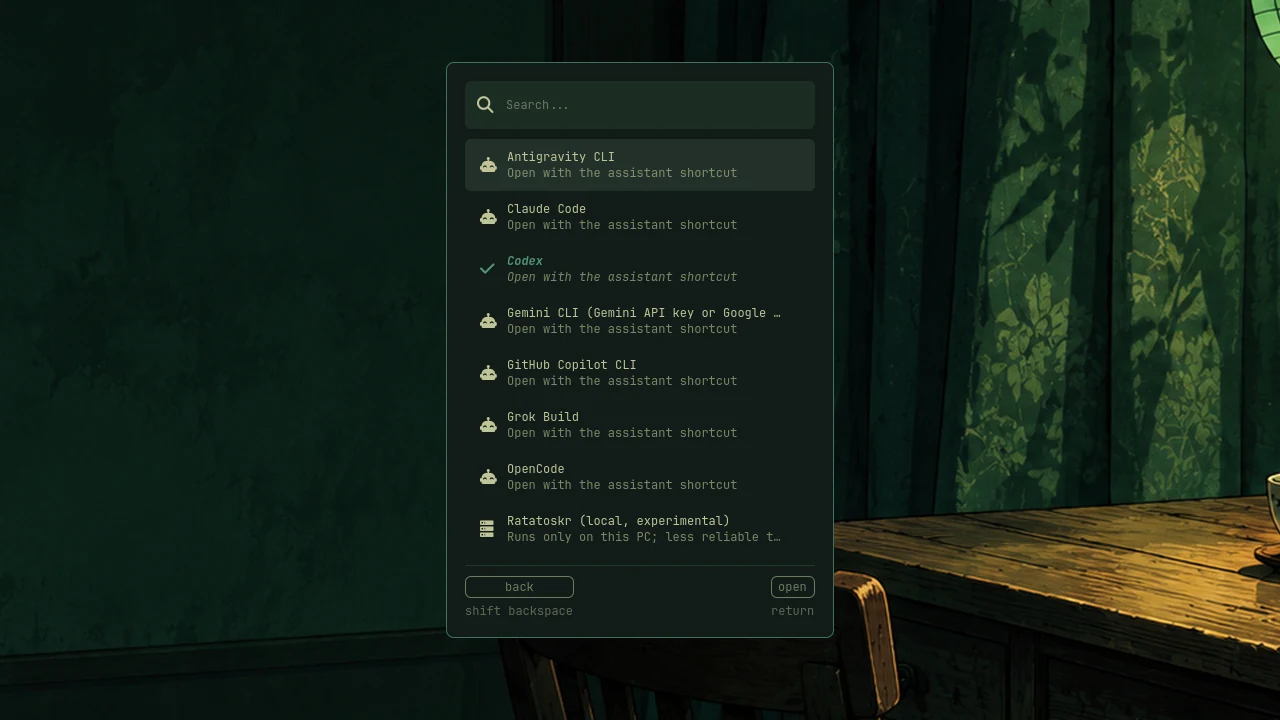
AI assistants
AI assistants
Default Assistant
Default Assistant
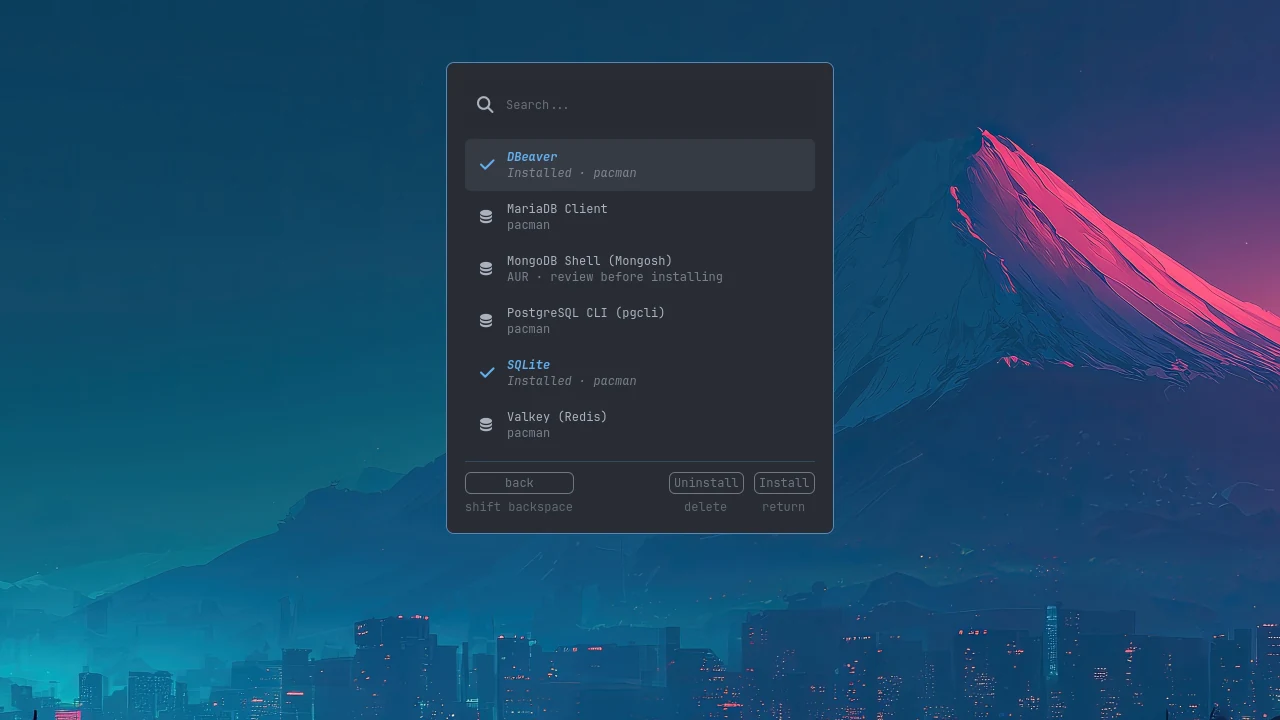
Databases
Databases
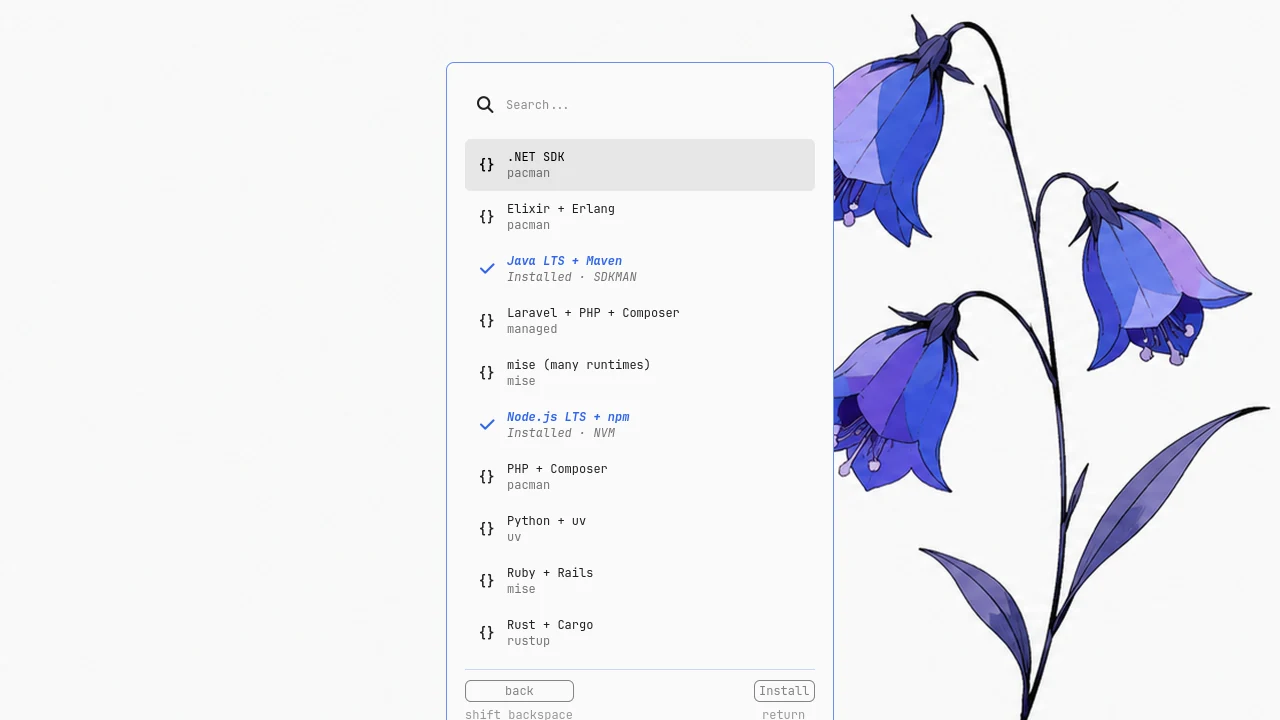
Development languages
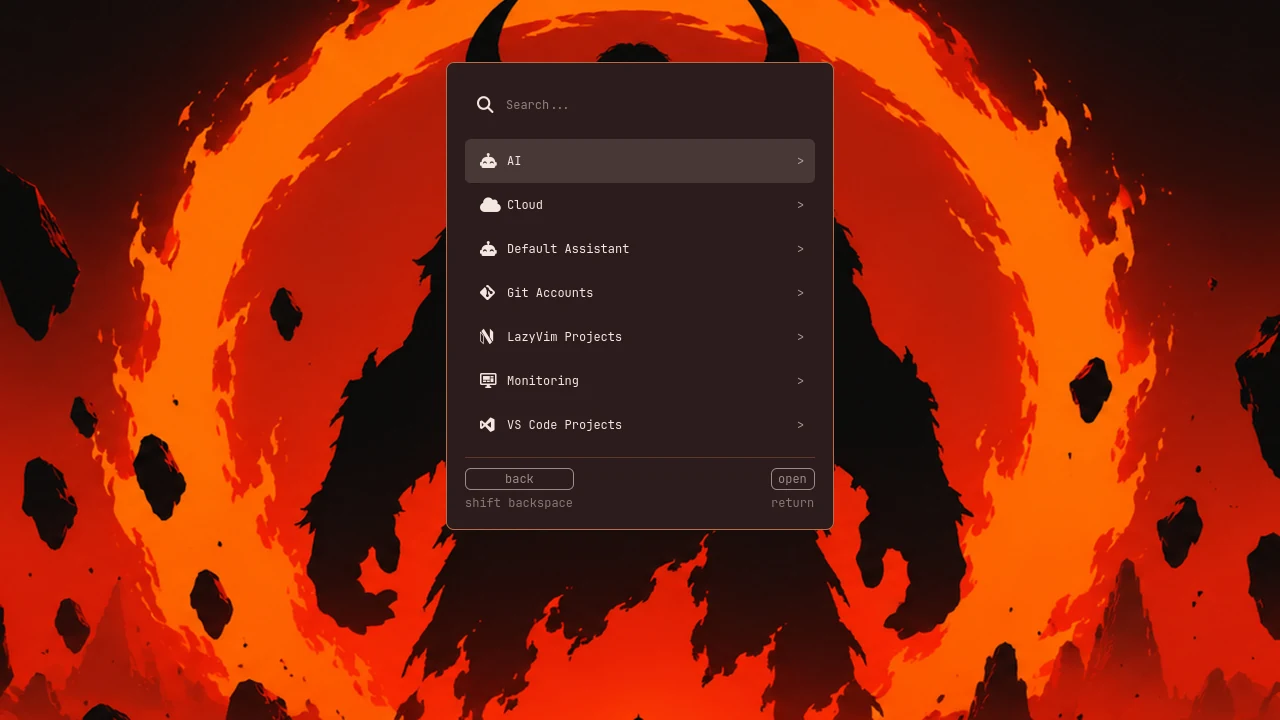
The Development menu: AI, Cloud, Git Accounts, Monitoring and projects
Development
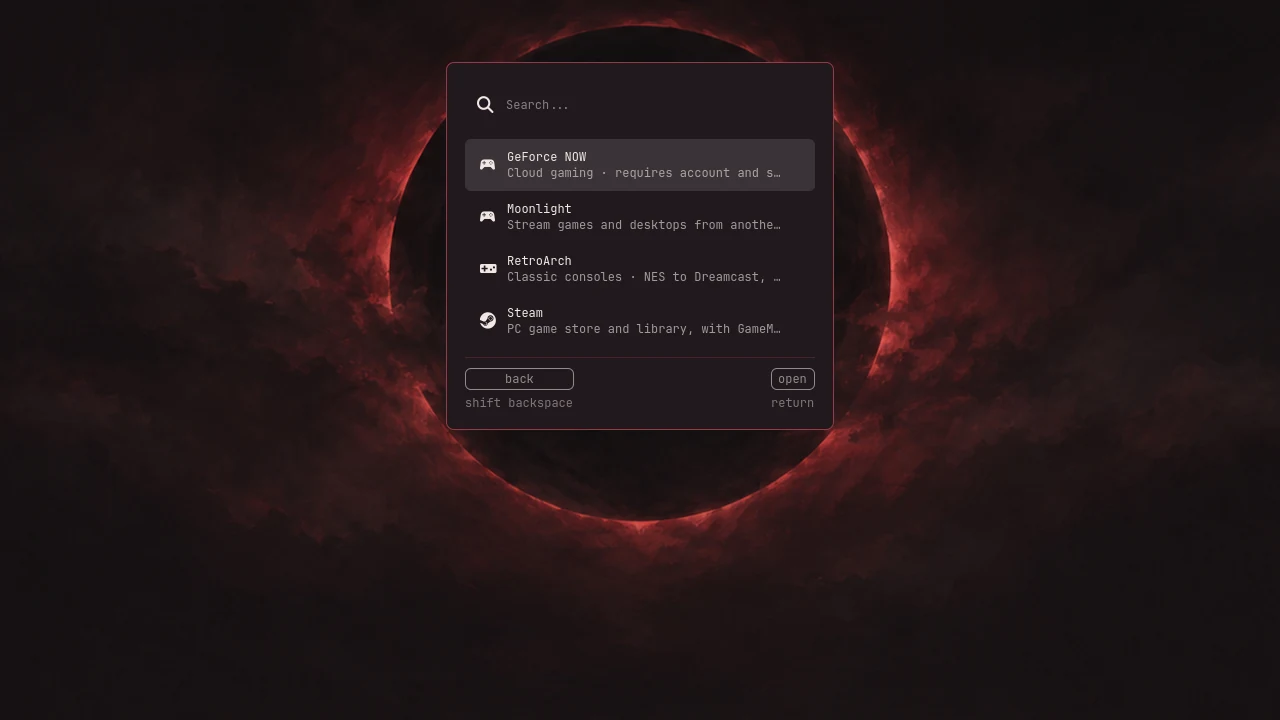
The Gaming menu: GeForce NOW, Moonlight, RetroArch and Steam
Gaming

System & recovery

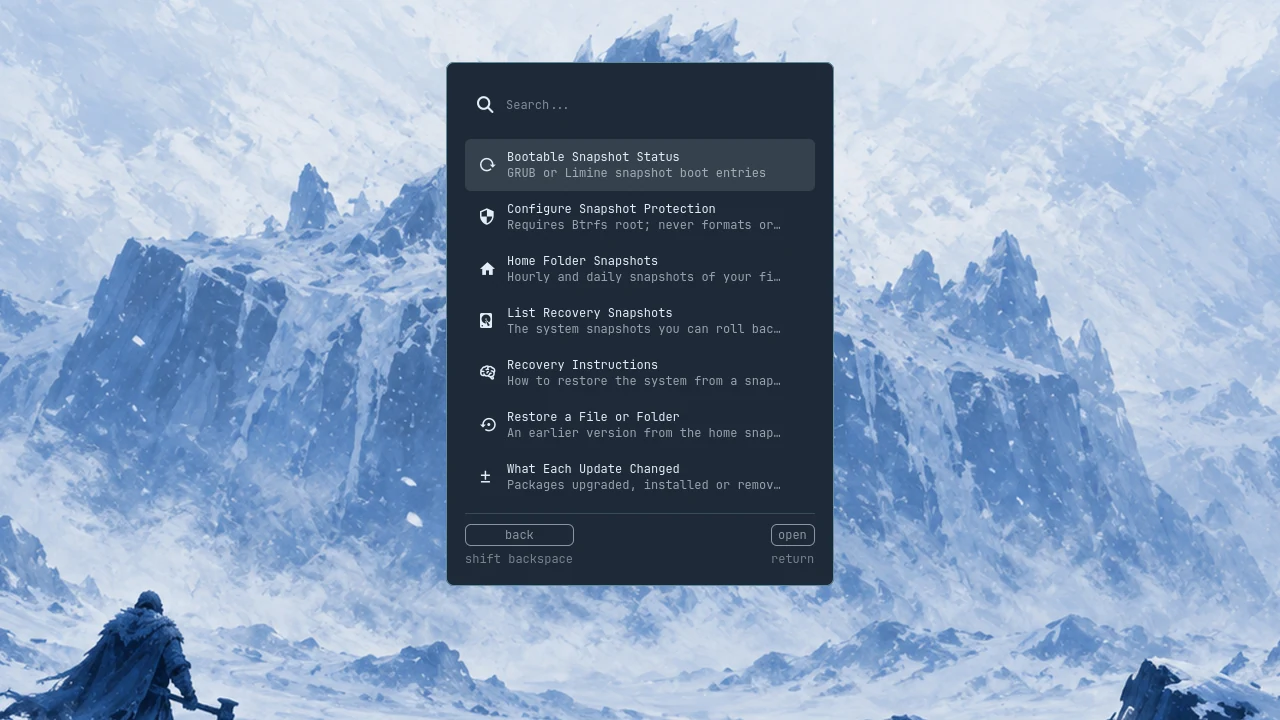
The Snapshots menu with its recovery actions
Snapshots
Maintenance
Maintenance
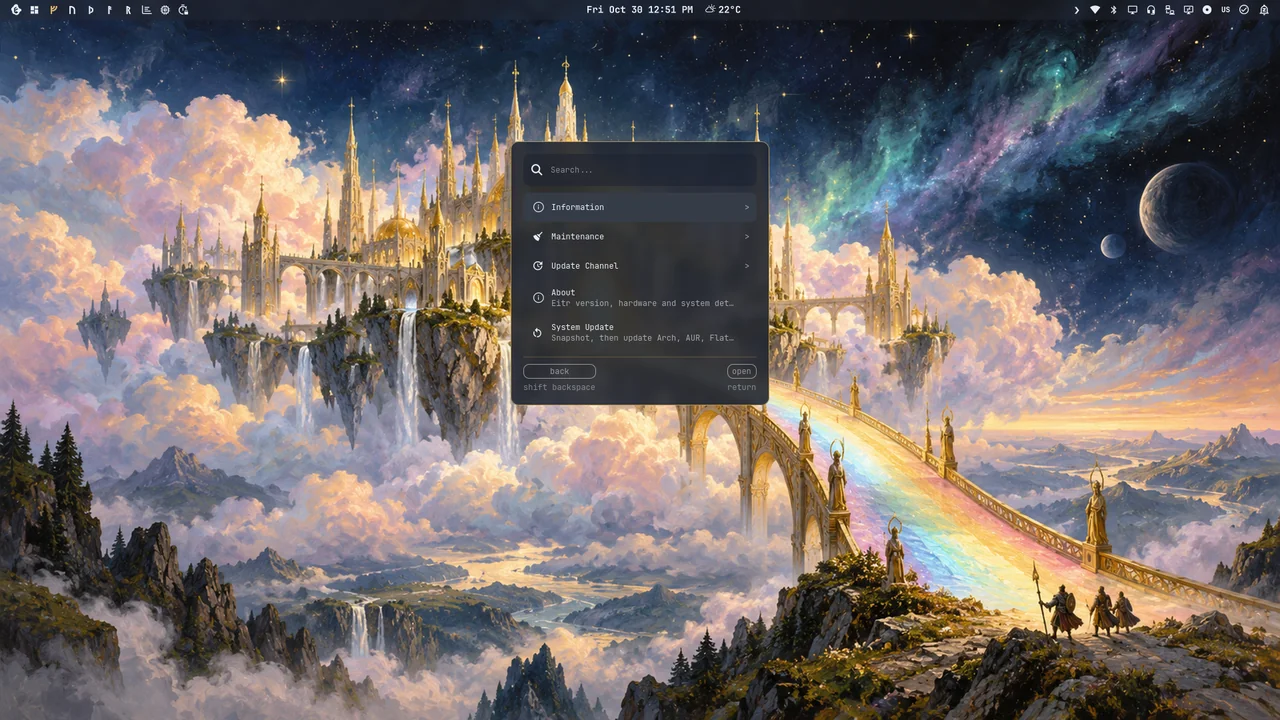
Settings > System: About, System Update and Update Channel
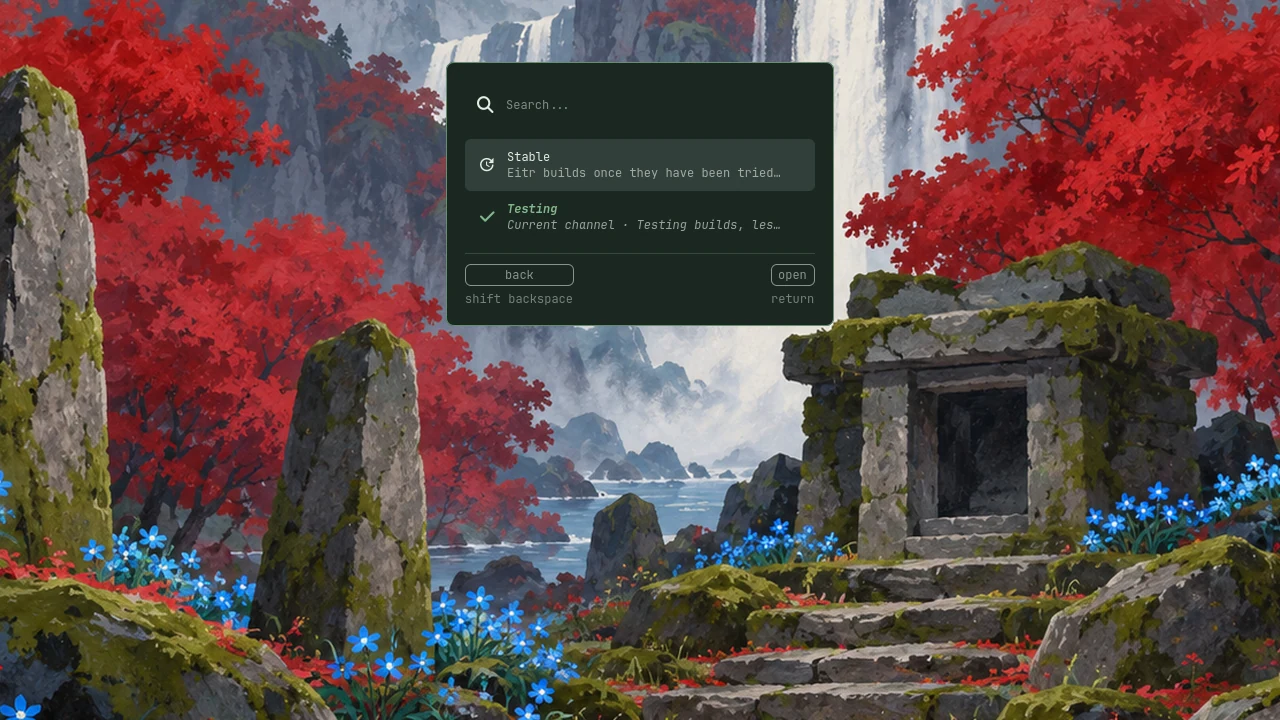
Update channel
Update channel
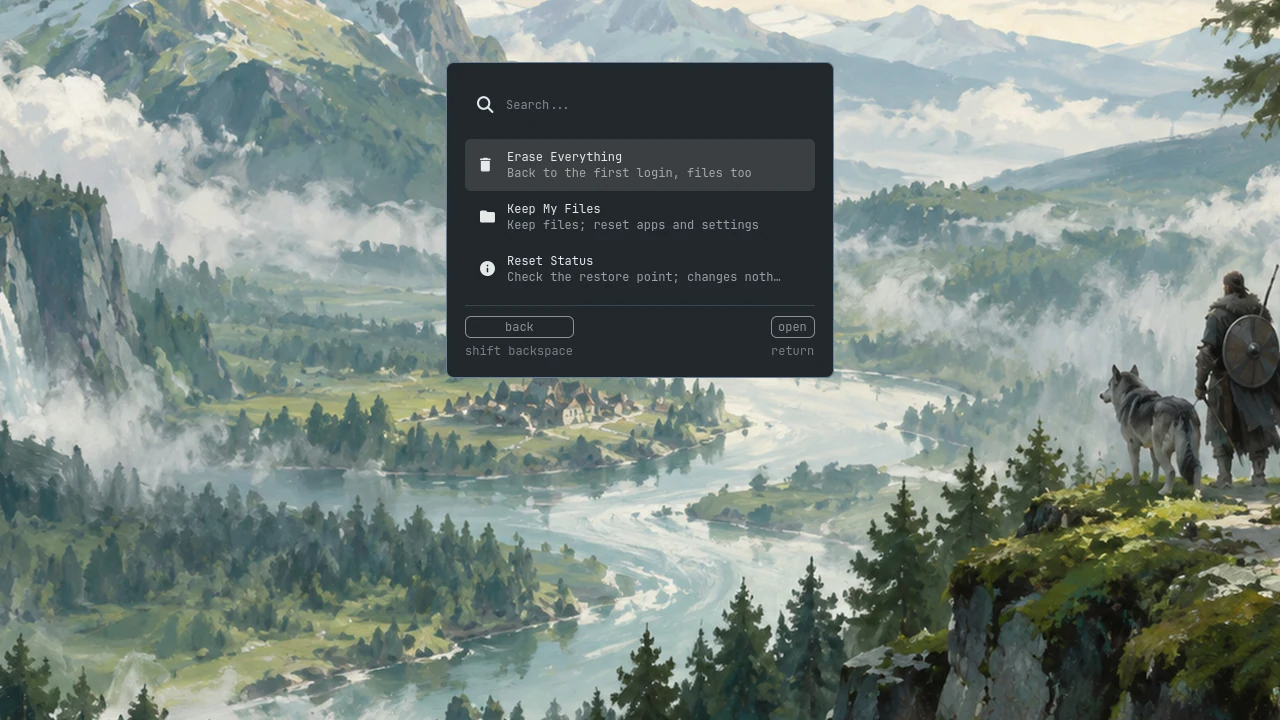
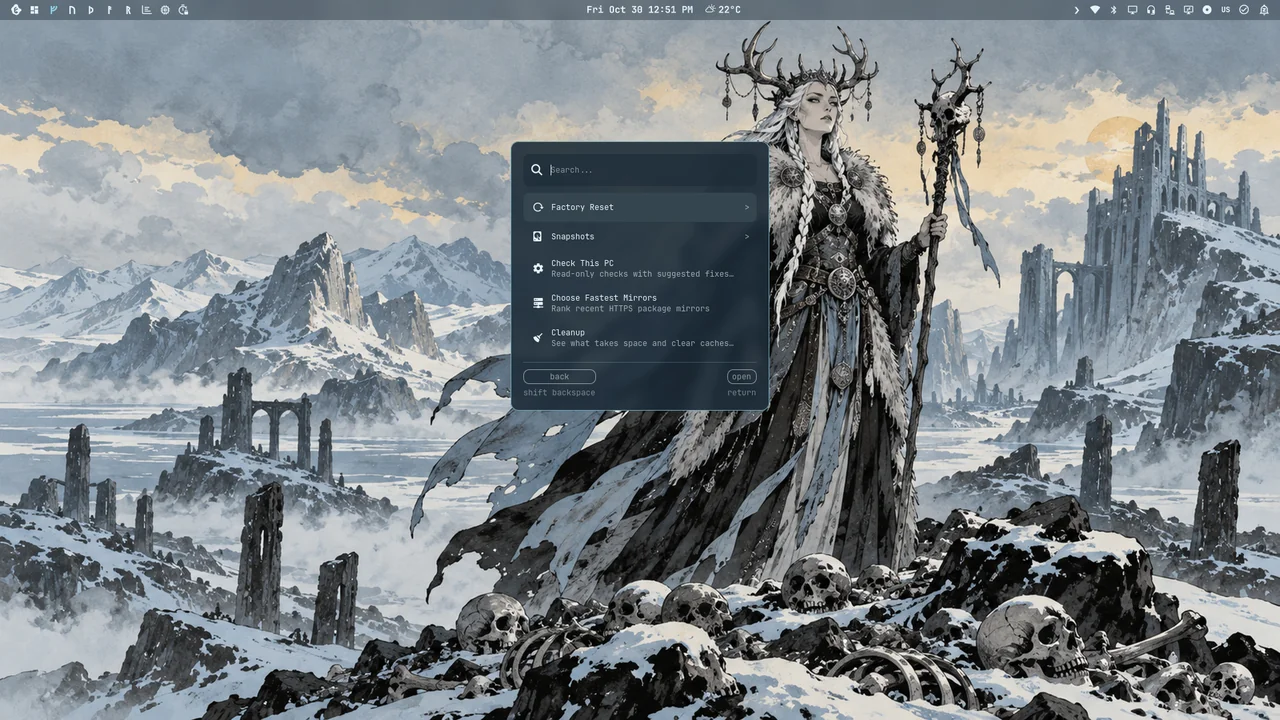
Factory reset
Factory reset
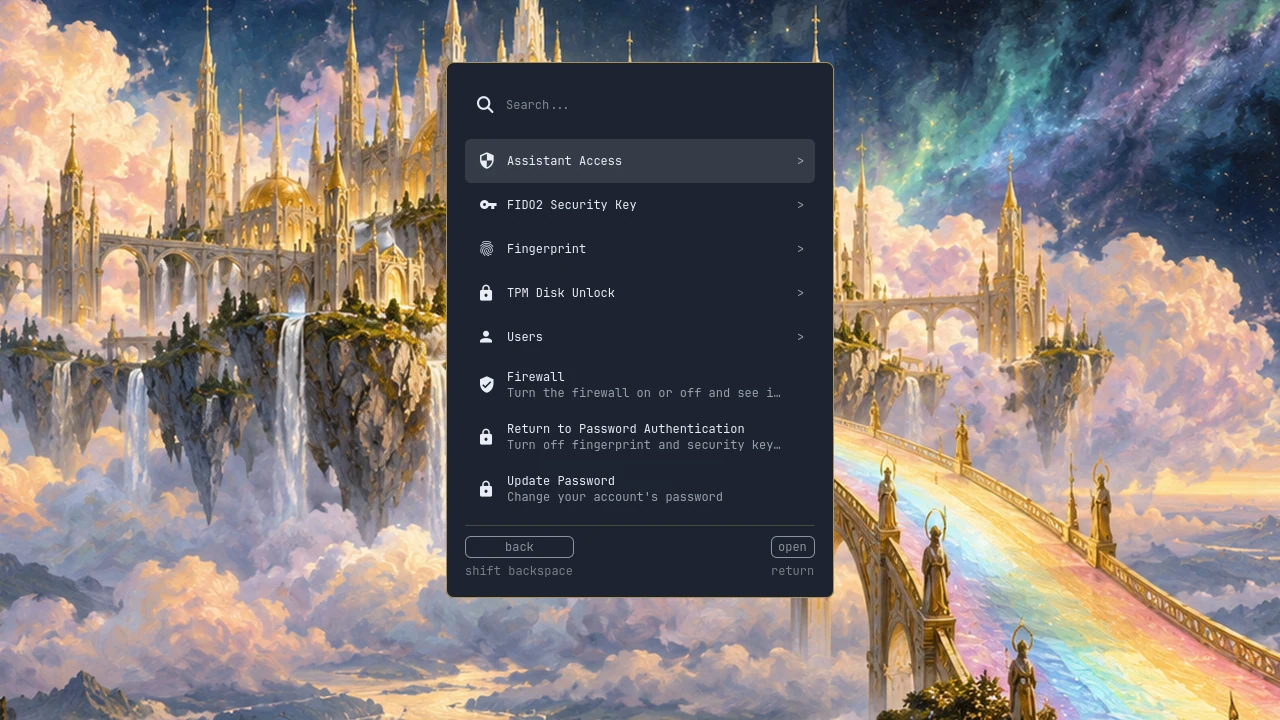
Security: security keys, fingerprint, TPM and the firewall
System information
System information
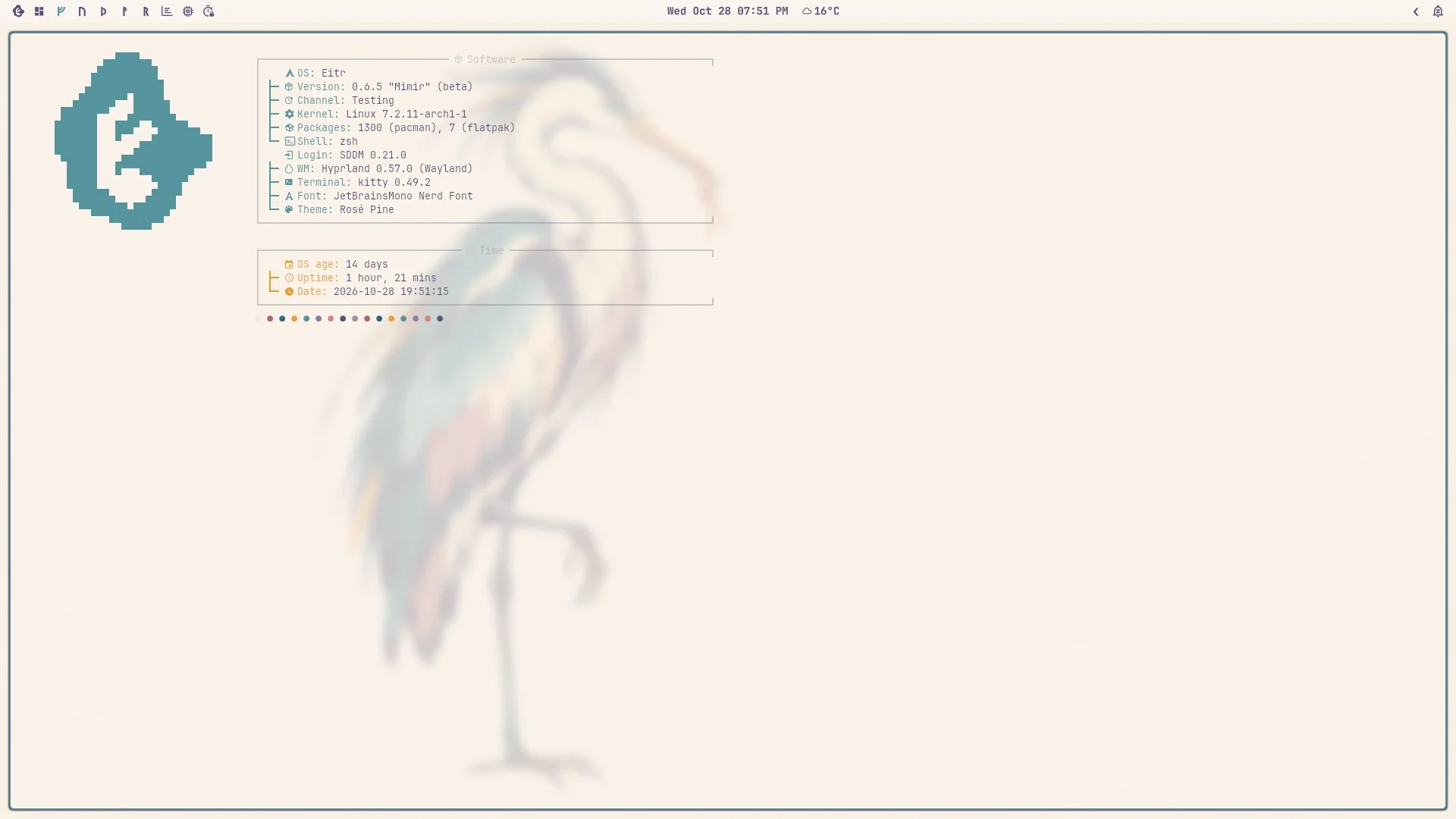
About: software, Eitr version and channel in grouped terminal boxes

Learn
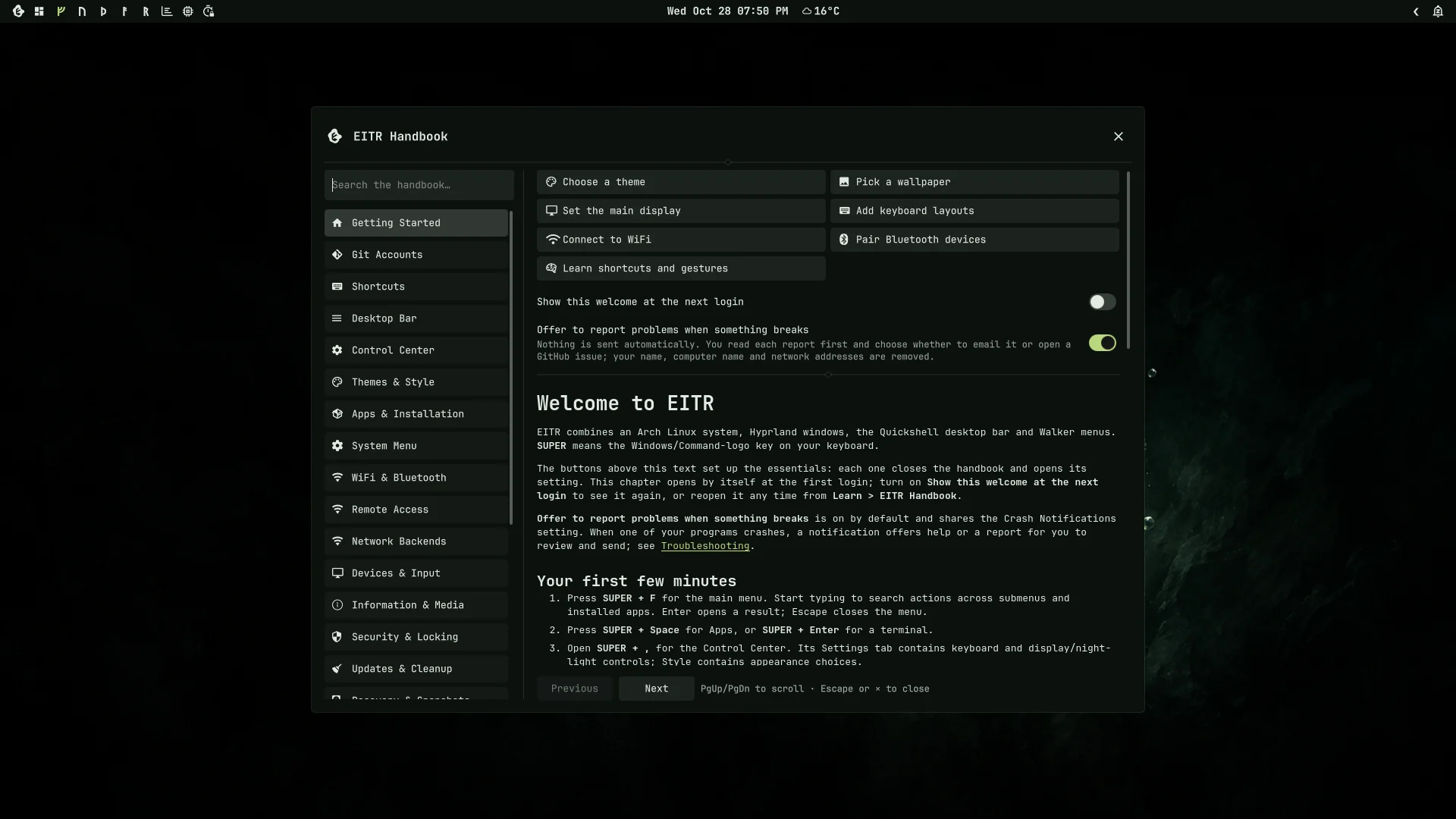
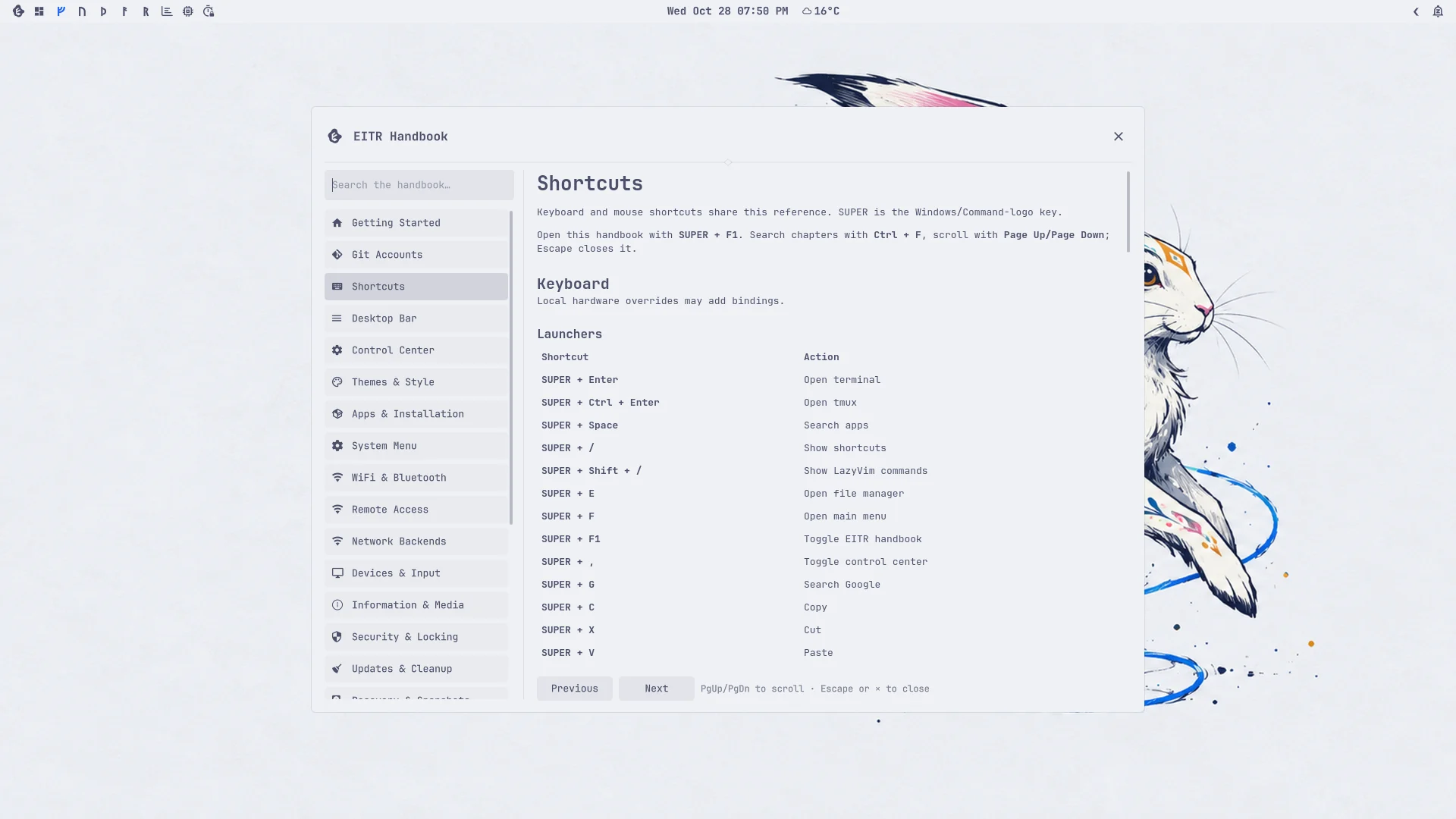
The EITR Handbook open on the desktop
The EITR Handbook's welcome
Shortcuts in the Handbook
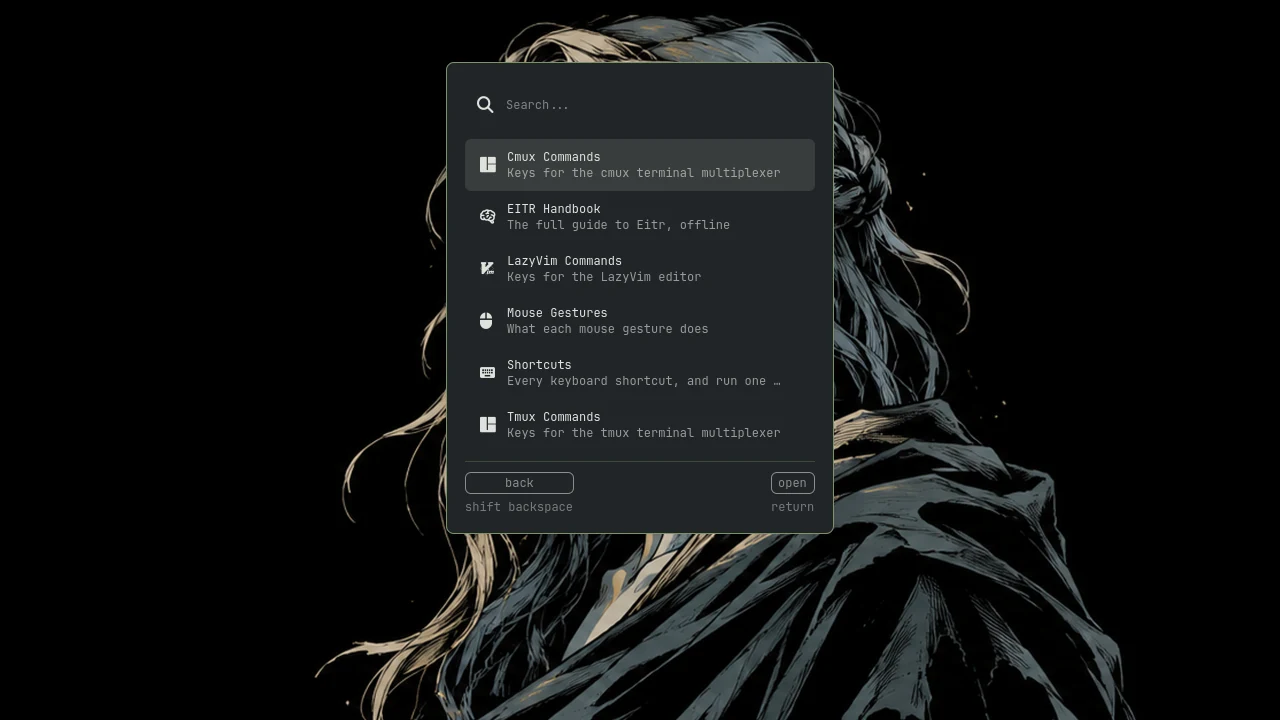
Learn
Learn