An Arch-based Linux distribution from the far north
From eitr,
a world
takes shape.
A keyboard-first Arch Linux distribution built around Hyprland and Quickshell, with its own installer and package repository. Graphical controls are there when you want them, never required.
Music credits
Wild West Vikingsby Alexander Nakarada · CreatorChords ·CC BY 4.0. Re-encoded at 128 kbps and repeated for playback.
Theme-switch howl: Wolf howl by NaturesTemper, CC0.
Charged lightning: Thunder, crack, pretty close by TRP, CC0.
Preview
See it in motion.
Under a minute on the real desktop: the rune lockscreen, panels, the launcher, a live theme switch and the workspaces.
The desktop
Walker brings apps, settings and actions into one keyboard-first flow. The bar and control center open the same native panels.
See more →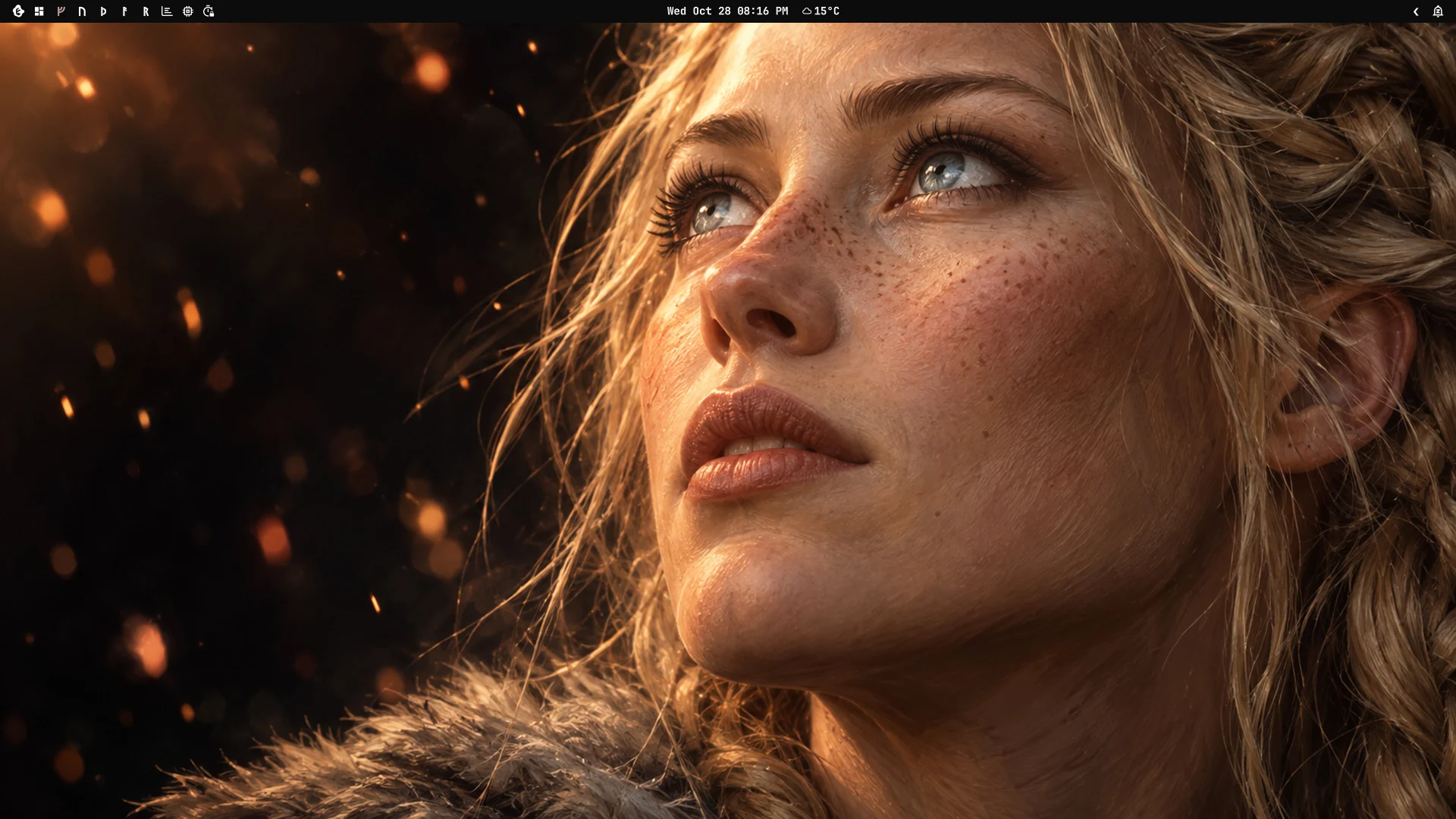
Make it yours
Pick a theme or build one from a picture, then edit its colors live. The bar, terminal, launcher, lockscreen and apps follow.
See more →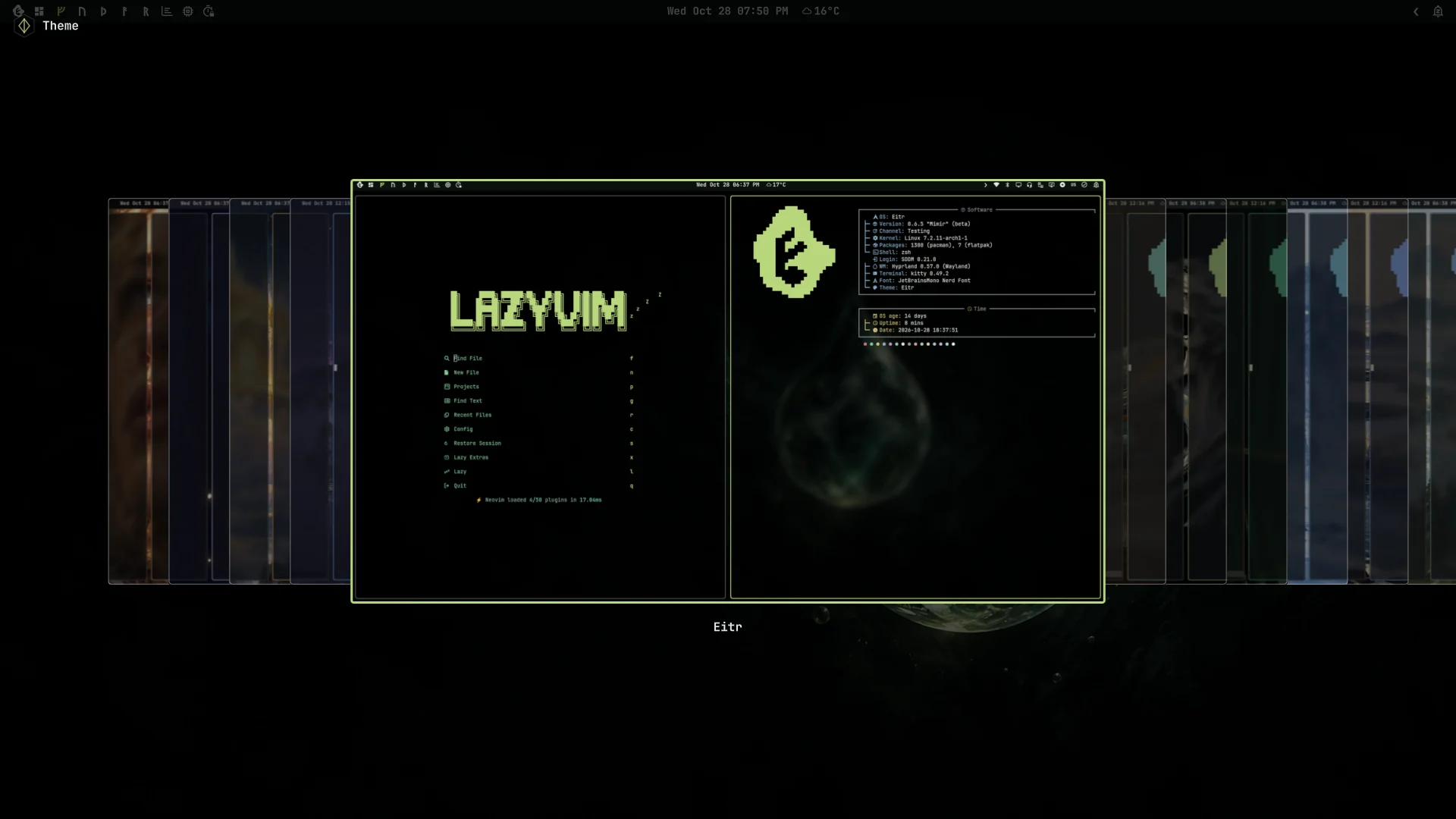
Built for Linux lovers,
ready for development.
LazyVim, tmux and Docker are included. Curated installs add editors, language toolchains and AI coding agents, while Git identities and cloud menus keep account context explicit.
See more →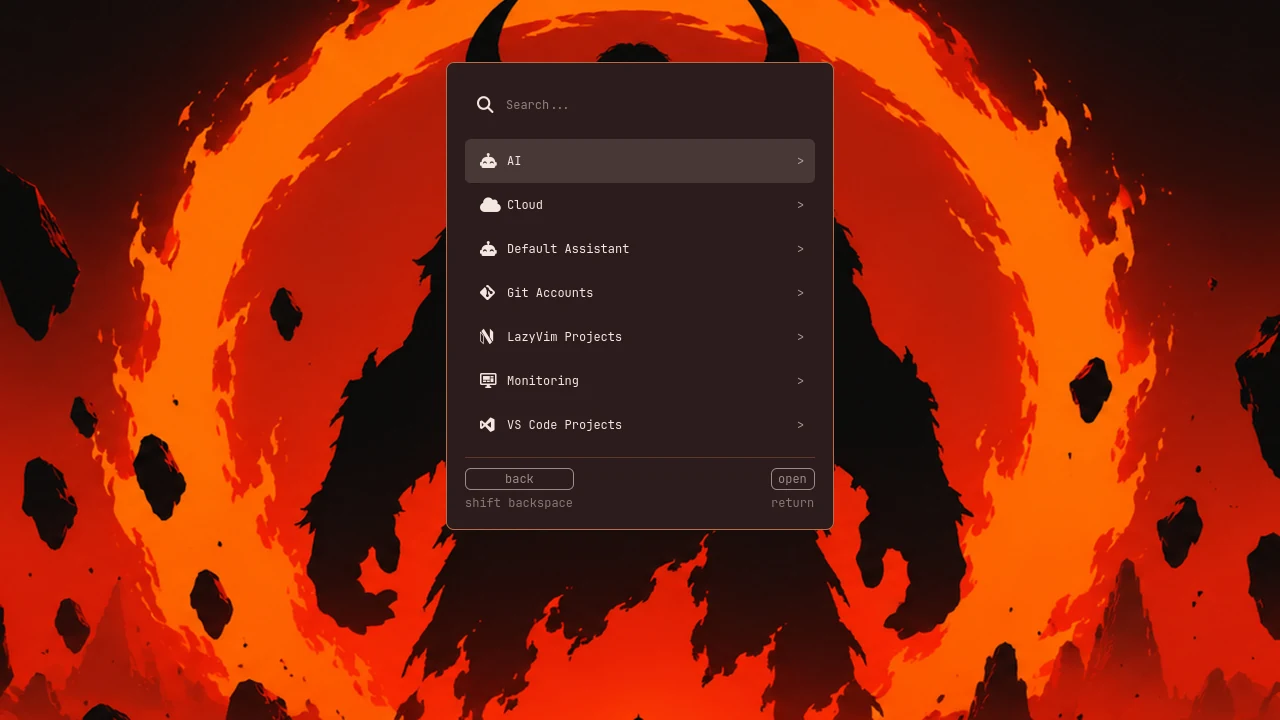
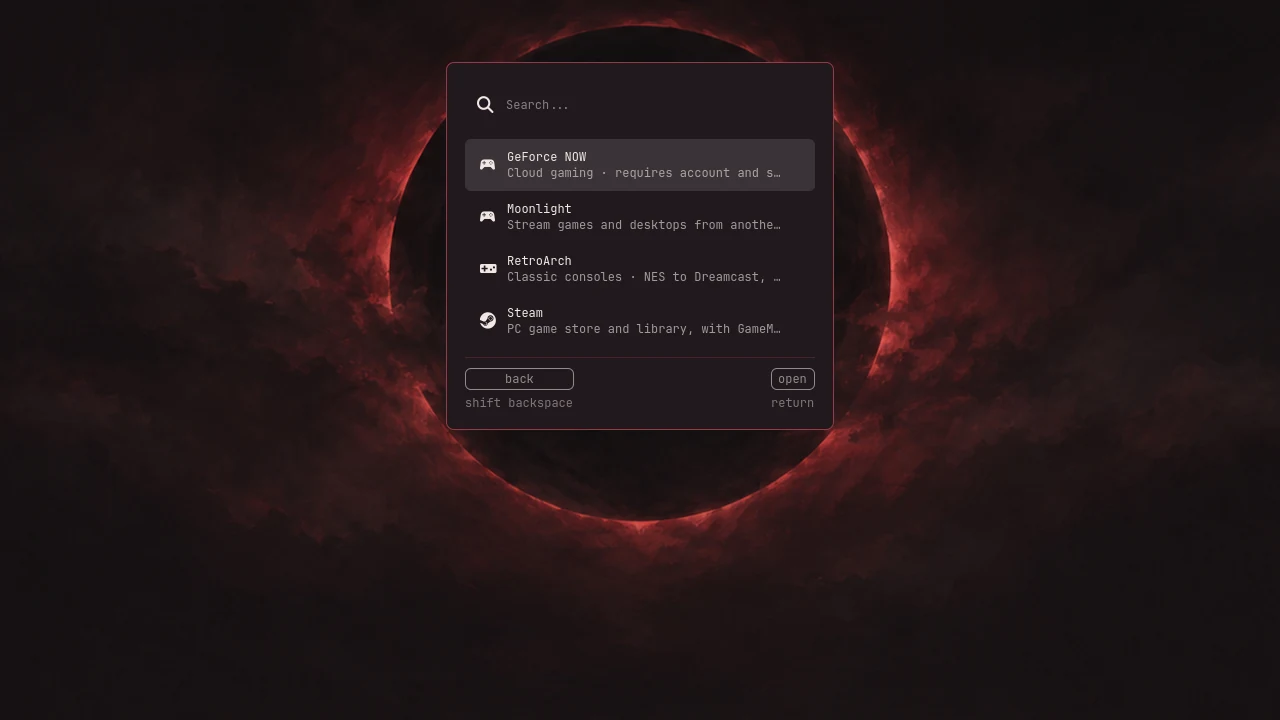
Safe to update
Installed from the ISO, System Update checks Arch news and takes a Btrfs snapshot before an upgrade.
See more →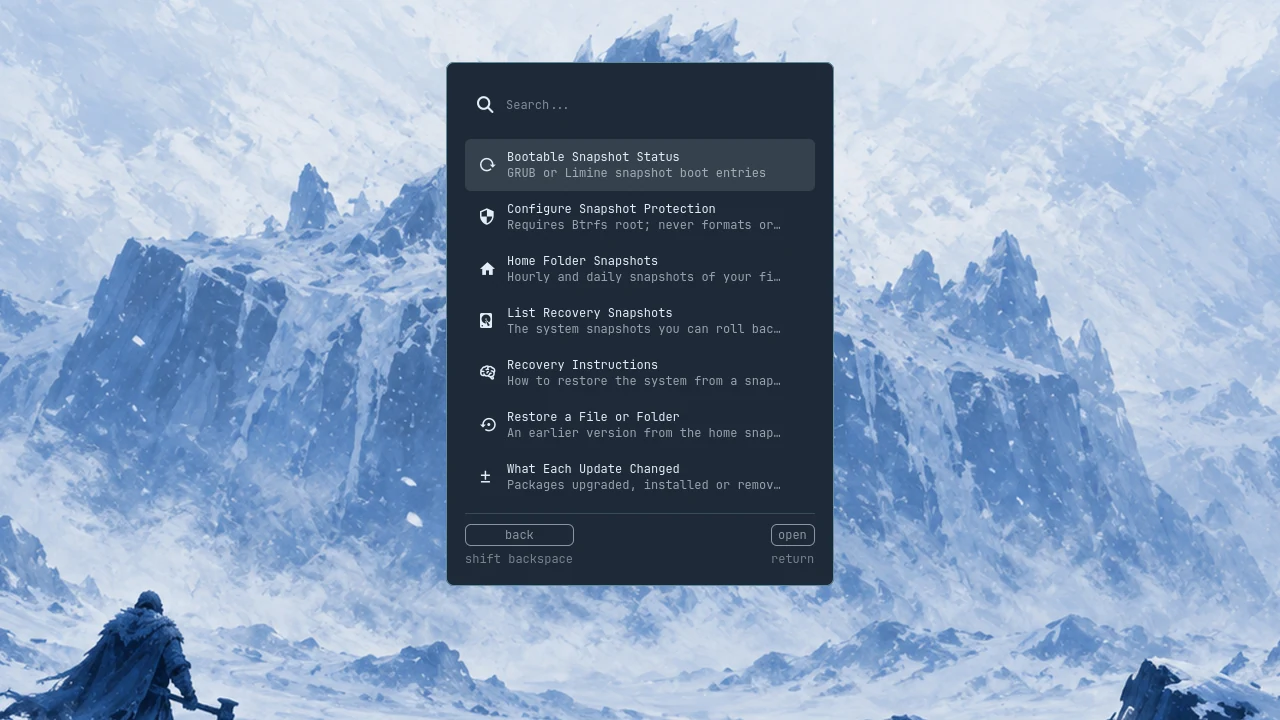
Beyond the looks
Beautiful outside. Solid inside.
The desktop is the part you see. Underneath, Eitr takes care of the computer too.
Updates you can undo
The boot guard can undo an update that stops the computer from starting, and a factory reset returns to the first-login state.
Check This PC
Read-only health checks with one command, eitr check, and a redacted report you can share.
Help when something crashes
When one of your programs crashes, Eitr offers help or a problem report with private details removed. You read the whole report before deciding to send it.
AI assistants, your way
Install Claude Code, Codex, Gemini CLI and others on first use, open your default one with Super + A, and choose whether they ask before changes.
Plugins
Add tools, widgets, panels and bar items from Git repositories, reviewed before you install them.
Work and personal, apart
Git Accounts keep separate identities per folder, and cloud menus show the selected account and project before anything runs.
Yggdrasil / The nine realms
Many realms.
One living desktop.
Follow a branch. Each realm opens a different part of .
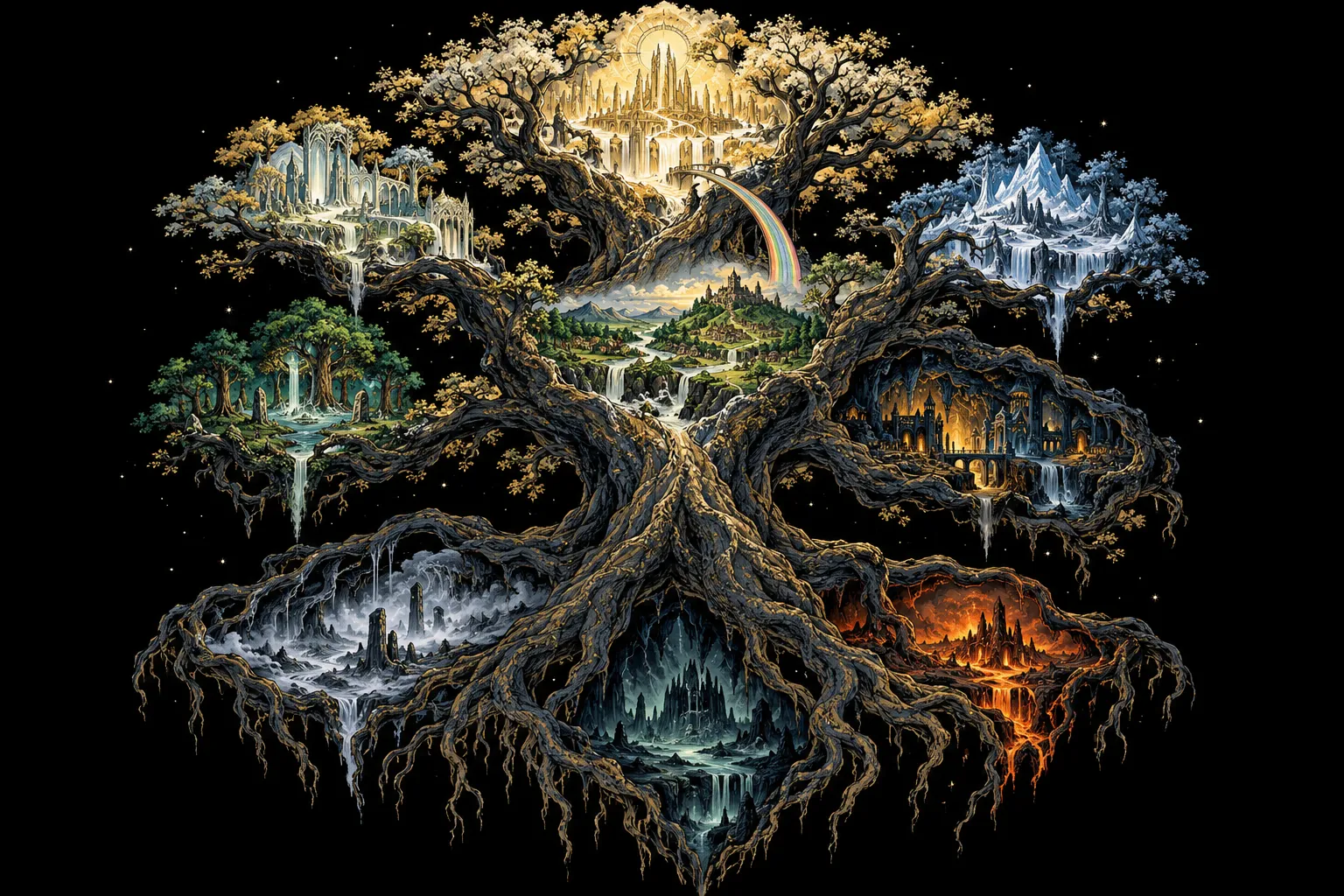
Choose a realm to explore.
Sowilo / Themes
13 worlds,
one desktop.
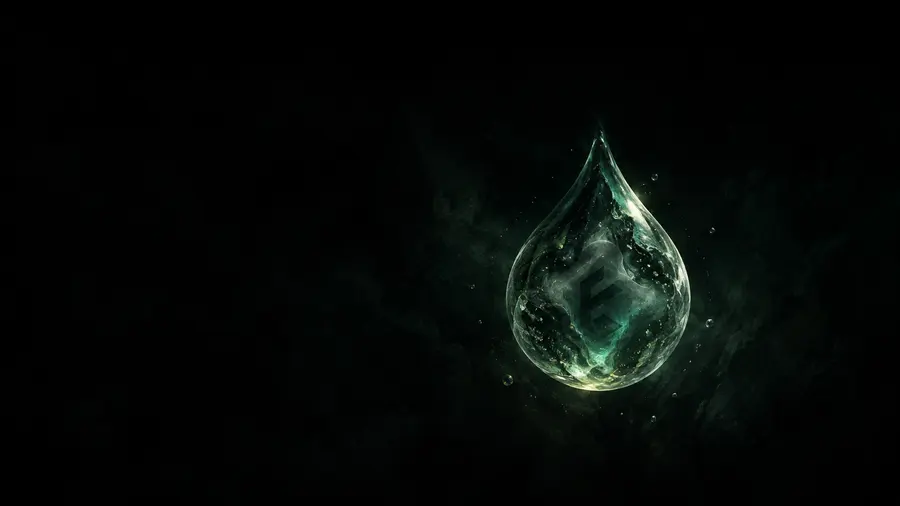
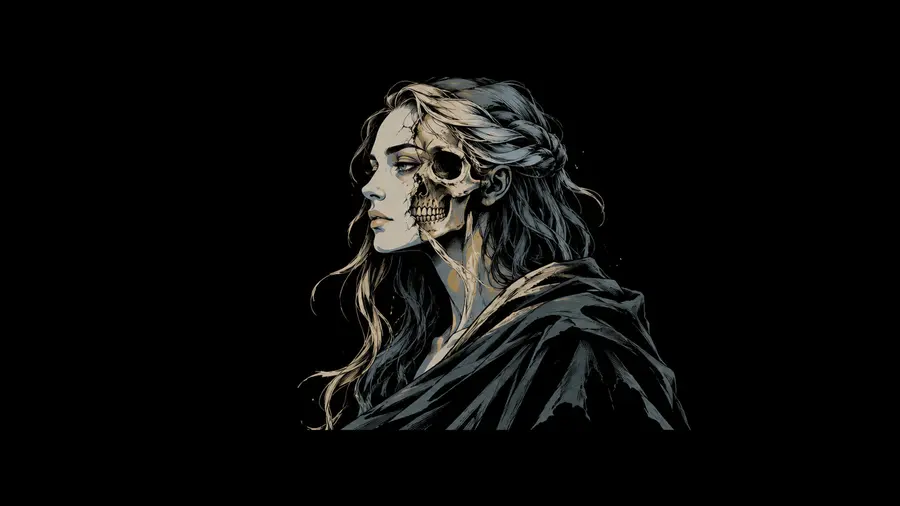
Eitr is the default theme, and Eitr Light is its light counterpart. Every theme recolors the bar, terminal, launcher, lockscreen, editors and apps, and comes with its own wallpapers.





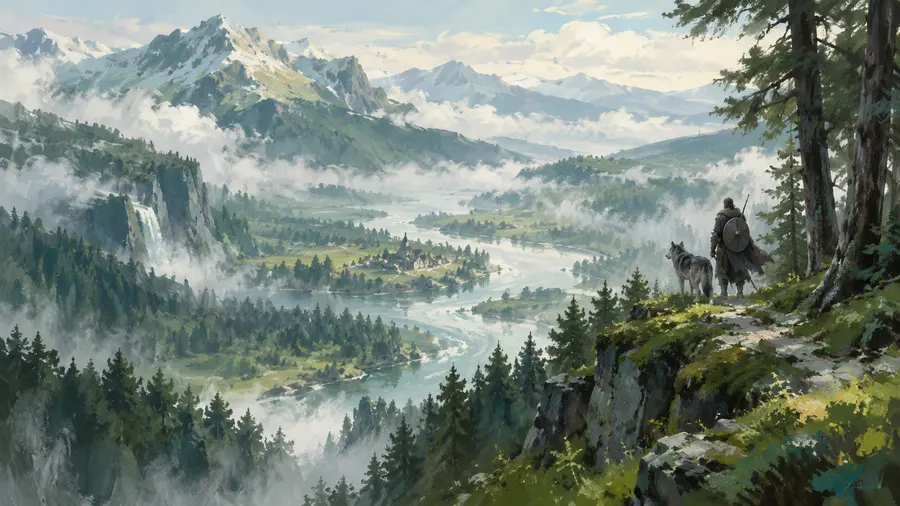

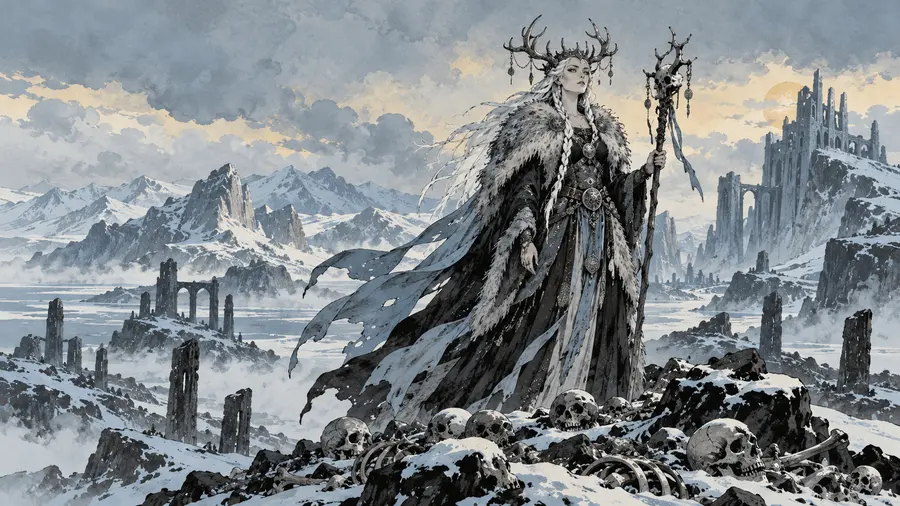

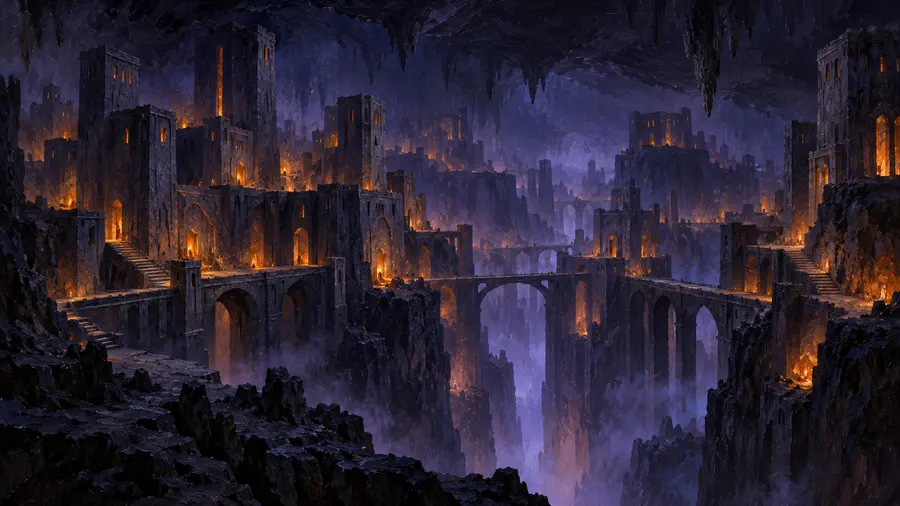

Fehu / Begin
Your first winter
with .
Install
On your machine
Download the ISO, check it, write it to a USB stick, boot it and follow the installer: about two minutes on a fast machine, with nothing to download. It can erase a disk or install beside Windows (installing beside Windows is so far tested only in a VM). Everything on /dev/sdX is erased.
SHA-256 checksum file: 201518ec931849698b3cf5c91f0da71b1cebda7bcea9a4b861ab7ff88ced1abf
sha256sum -c eitr-0.7.0.iso.sha256
sudo dd if=eitr-0.7.0.iso of=/dev/sdX bs=4M status=progress oflag=sync
System dossier
- Base
- Arch Linux, x86_64
- Compositor
- Hyprland
- Shell
- Quickshell bar and native panels
- Launcher
- Walker with Elephant menus
- Install
- Guided and fully offline from the ISO
- Updates
- Signed [eitr] repository
- Recovery
- Btrfs snapshots and factory reset
- Channels
- Stable, or testing for early fixes
- Themes
- 13, each recoloring the desktop, Neovim and more
- Plugins
- Widgets, panels and bar items from Git
- Assistants
- Claude Code, Codex, Gemini CLI and more, with accounts
- Languages
- English, Português (Brasil), Español, Deutsch and Français
Raidho / The road ahead
The road
to Bifröst.
Each release takes its name from the old stories, from the first being to the bridge between worlds.
0.3
Ymir alpha
The first being, born of eitr.
Desktop code shipped by the package; offline installer, signed package repository, factory reset, dual boot.
0.4
Audhumla alpha
The cow whose milk fed Ymir.
Updates through System Update, tested from the previous release.
0.5
Yggdrasil beta
The world tree that holds the realms.
Automated VM install, upgrade and reset tests.
0.6
Mimir beta
The well of wisdom.
- 0.6First public preview: a download for early users.
- 0.6.1The public preview's everyday features: dictation, package search, Tools menu, display settings, ultrawide wallpapers.
- 0.6.2Updates served from download.eitr.info.
- 0.6.3Real-desktop screenshots on the site and smaller downloads.
- 0.6.4Translations (Portuguese, Spanish, German, French), multi-monitor arrangement, Control Center, AI assistants, crash help, OBS defaults.
- 0.6.5HDR switch and HDR games, Tabs bar, assistants (SUPER+A, quick chat, accounts), calendars, your own themes, faster disk unlock, stronger disk passphrases.
0.7
Huginn now · beta
Odin's raven of thought.
Plugins, the Eitr theme with its own Neovim and VS Code colours, Focus mode and the Islands bar layout.
A preview for early users. Something broke? Settings > System > Information > Report a Problem. Tested hardware & known limitations →
0.8
Muninn release candidate
Odin's raven of memory.
The exact ISO intended for 1.0: repeated clean installs, upgrades from earlier public releases and destructive recovery tests in isolated environments, until installation, maintenance and recovery are reproducible on the declared supported configurations.
1.0
Bifröst stable
The burning bridge between worlds.
A supported hardware matrix, tested upgrade paths, documented rollback limitations, a security-update process and a clear compatibility policy.
Isaz / Questions
Asked at
the fire.
Is it free?
Yes, free to download, use and share, with no account, subscription or paid tier. Eitr is open source: its code is GPL-3.0 and its artwork CC BY 4.0, all developed in the open on GitHub. If it makes your days better, you can sponsor its development.
How long does installation take?
About two minutes in a virtual machine on a fast computer, from confirming to finished. Everything comes from the ISO, so nothing is downloaded while it installs.
Do I need internet to install?
No. The ISO carries the packages needed for guided offline installation. Later updates and optional tool downloads need a connection; optional services also keep their own account requirements.
Can I break it with an update?
On supported layouts, System Update takes a Btrfs snapshot before an upgrade. Recovery has documented layout and boot requirements, and snapshots do not replace an independent backup. Read the recovery Handbook chapter before relying on a rollback.
What does beta mean here?
0.7.0 Huginn already includes the integrated desktop, developer menus and recovery workflows. Beta describes the validation scope: Eitr runs daily on its developer’s desktop and released ISOs pass automated VM checks, while broader hardware and some recovery scenarios still need testing. Read Installation & hardware before installing, and keep independent backups.
Does it phone home?
Eitr does not require an Eitr online account or collect usage telemetry. Weather, updates and optional connected tools talk to their own services. Problem reports are prepared for your review and sent only when you choose.
Wunjo / Support
Keep the fire
burning.
GitHub Sponsors
Support
EITR is free and open source, made in the open and tested on every release. If it makes your days at the computer better, you can support its development with a one-time or monthly sponsorship.